179Fax
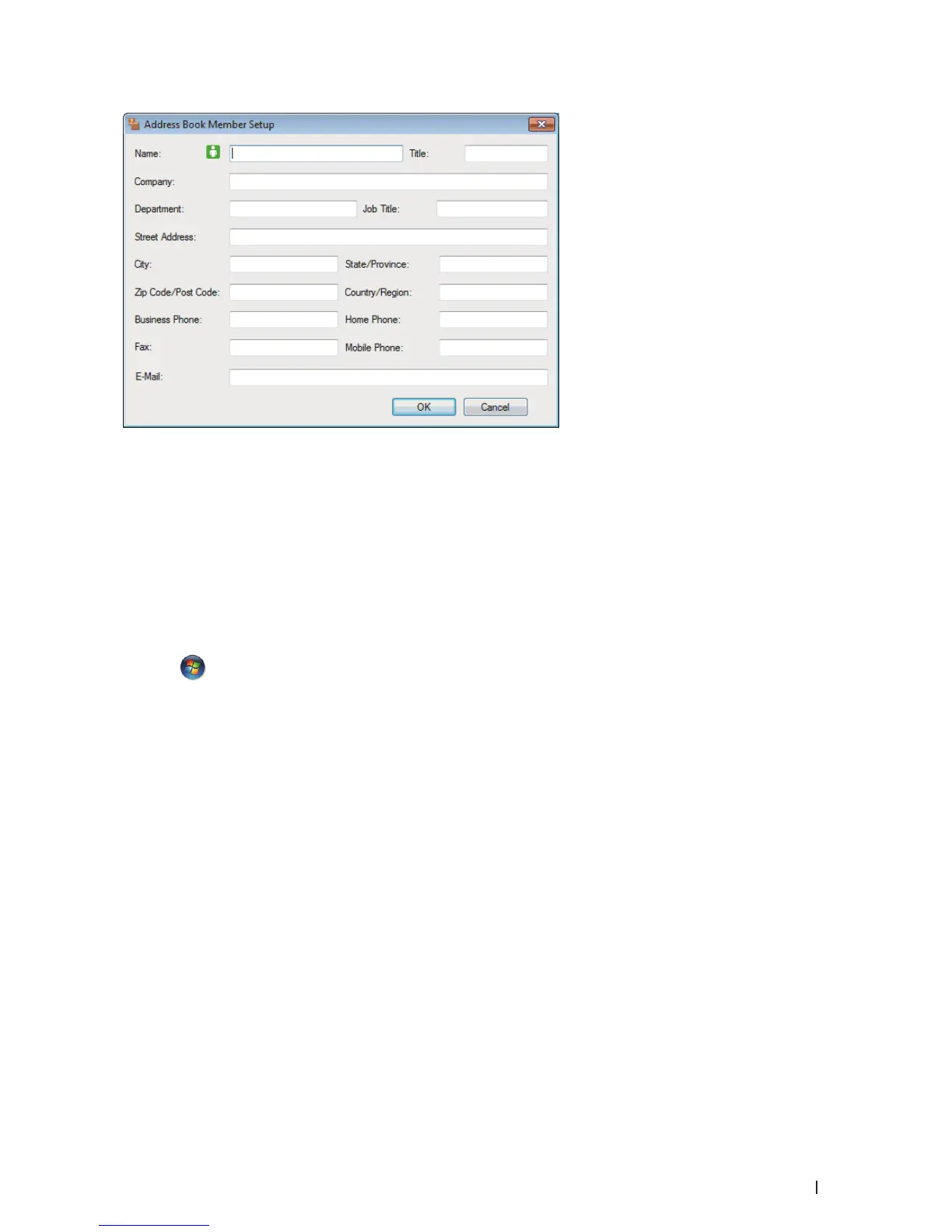
3. Type the member's information in the corresponding fields. Only the Name field is required.
4. Click OK.
Create a Group in the Address Book (Windows
®
)
Related Models:Dell E515dn / Dell E515dw
Create a group to broadcast the same PC-FAX to several recipients at one time.
1. Do one of the following:
• ( Windows Vista
®
and Windows
®
7)
Click
(Start) > All Programs > Dell Printers.
Click your model name. Click Address Book.
• (Windows
®
8)
Click Dell Printers, and then click your model name. Click Address Book.
The Address Book dialog box appears.










 To Next Page