181Fax
Edit Member or Group Information (Windows
®
)
Related Models:Dell E515dn / Dell E515dw
1. Do one of the following:
• ( Windows Vista
®
and Windows
®
7)
Click
(Start) > All Programs > Dell Printers.
Click your model name. Click Address Book.
• (Windows
®
8)
Click Dell Printers, and then click your model name. Click Address Book.
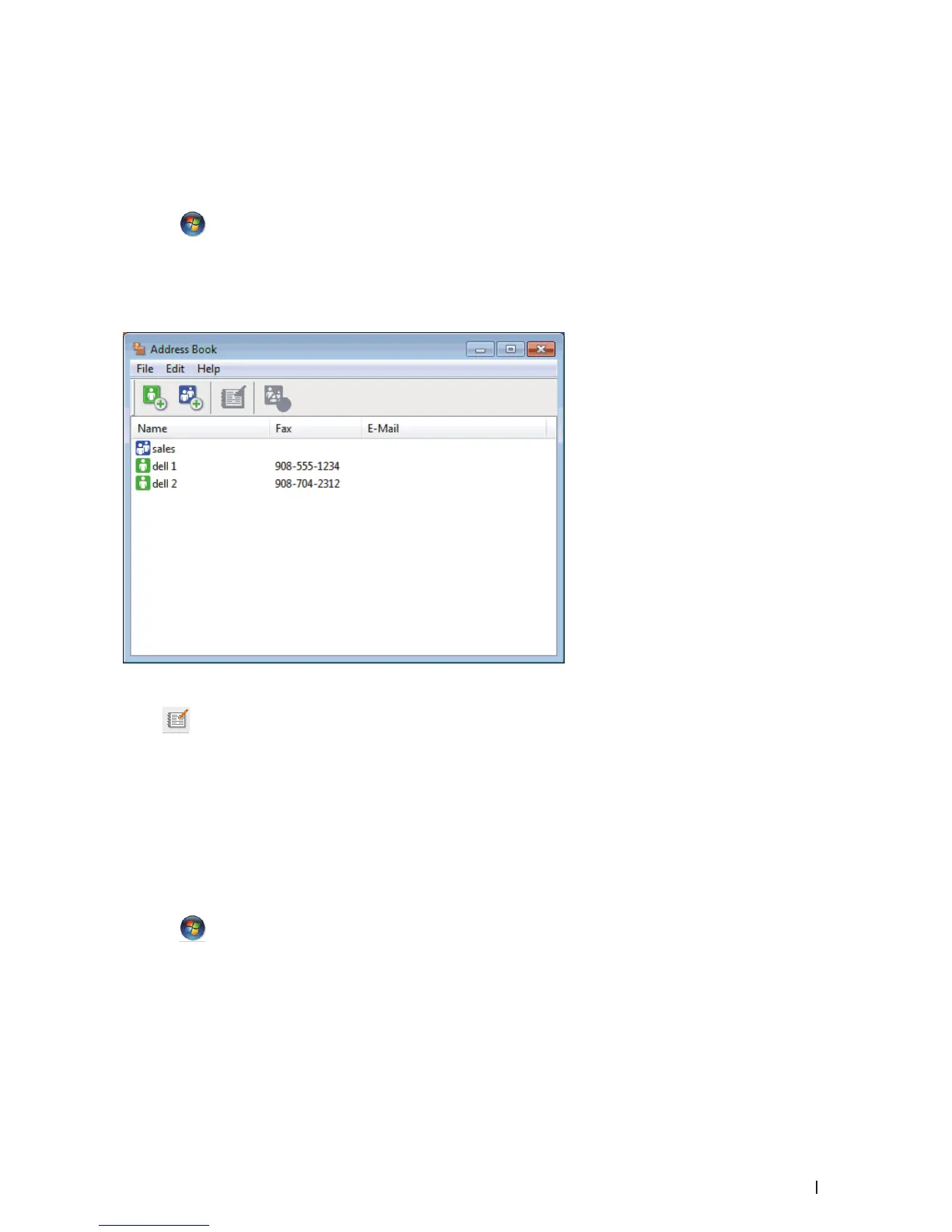
The Address Book dialog box appears.
2. Select the member or group you want to edit.
3. Click
(Properties).
4. Change the member or group information.
5. Click OK.
Delete a Member or Group (Windows
®
)
Related Models:Dell E515dn / Dell E515dw
1. Do one of the following:
• (Windows Vista
®
and Windows
®
7)
Click
(Start) > All Programs > Dell Printers.
Click your model name. Click Address Book.
• (Windows
®
8)
Click Dell Printers, and then click your model name. Click Address Book.
The Address Book dialog box appears.










 To Next Page