184 Fax
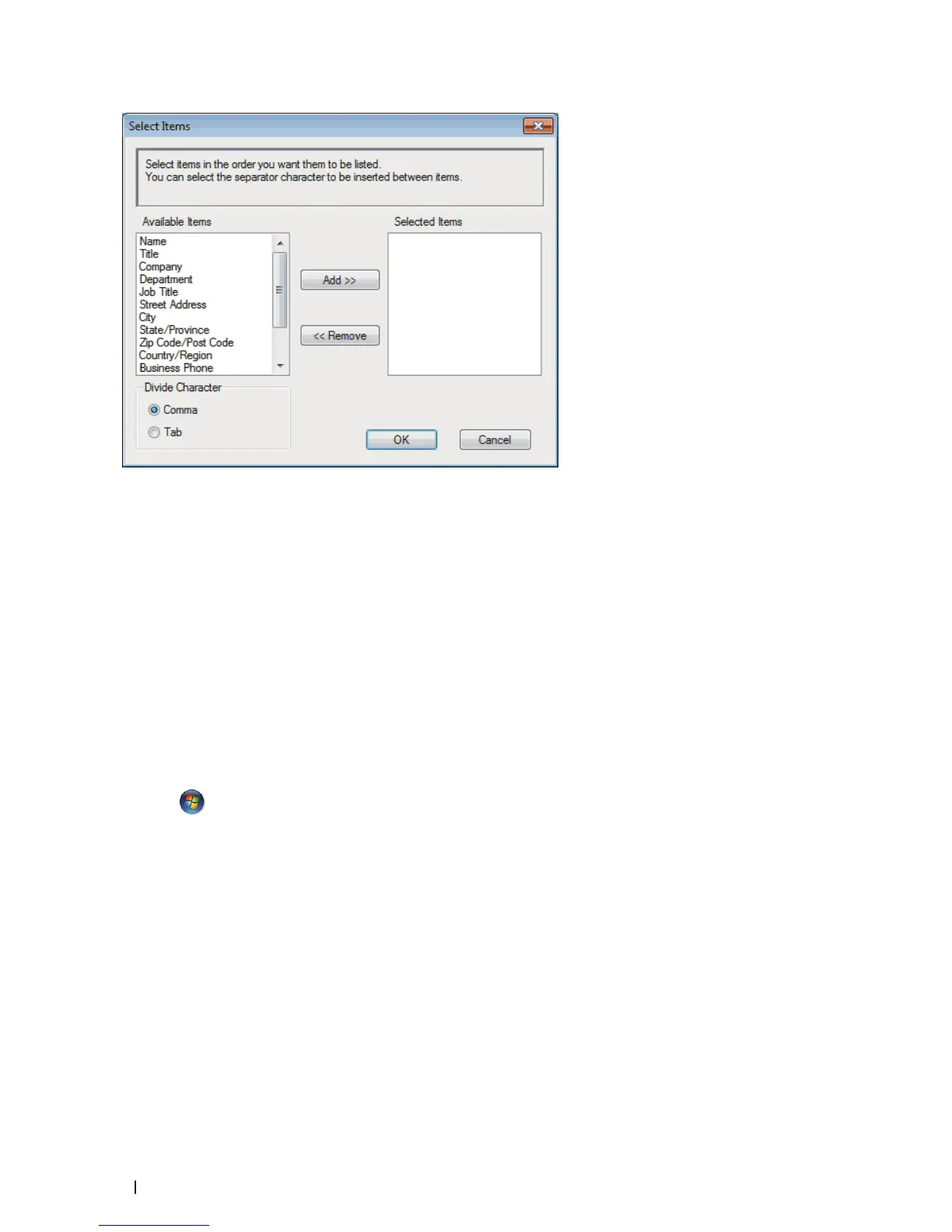
NOTE: Select and add the items in the order you want them listed.
5. If you are exporting to an ASCII file, under the Divide Character section, select the Tab or Comma option to
separate the data fields.
6. Click OK.
7. Browse to the folder on your computer where you want to save the data, type the file name, and then click Save.
Import Information to the Address Book (Windows
®
)
Related Models:Dell E515dn / Dell E515dw
You can import ASCII text files (*.csv), vCards (electronic business cards), or Remote Setup Dial Data into your
Address Book.
1. Do one of the following:
• (Windows Vista
®
and Windows
®
7)
Click
(Start) > All Programs > Dell Printers.
Click your model name. Click Address Book.
• (Windows
®
8)
Click Dell Printers, and then click your model name. Click Address Book.
The Address Book dialog box appears.










 To Next Page