34 Paper Handling
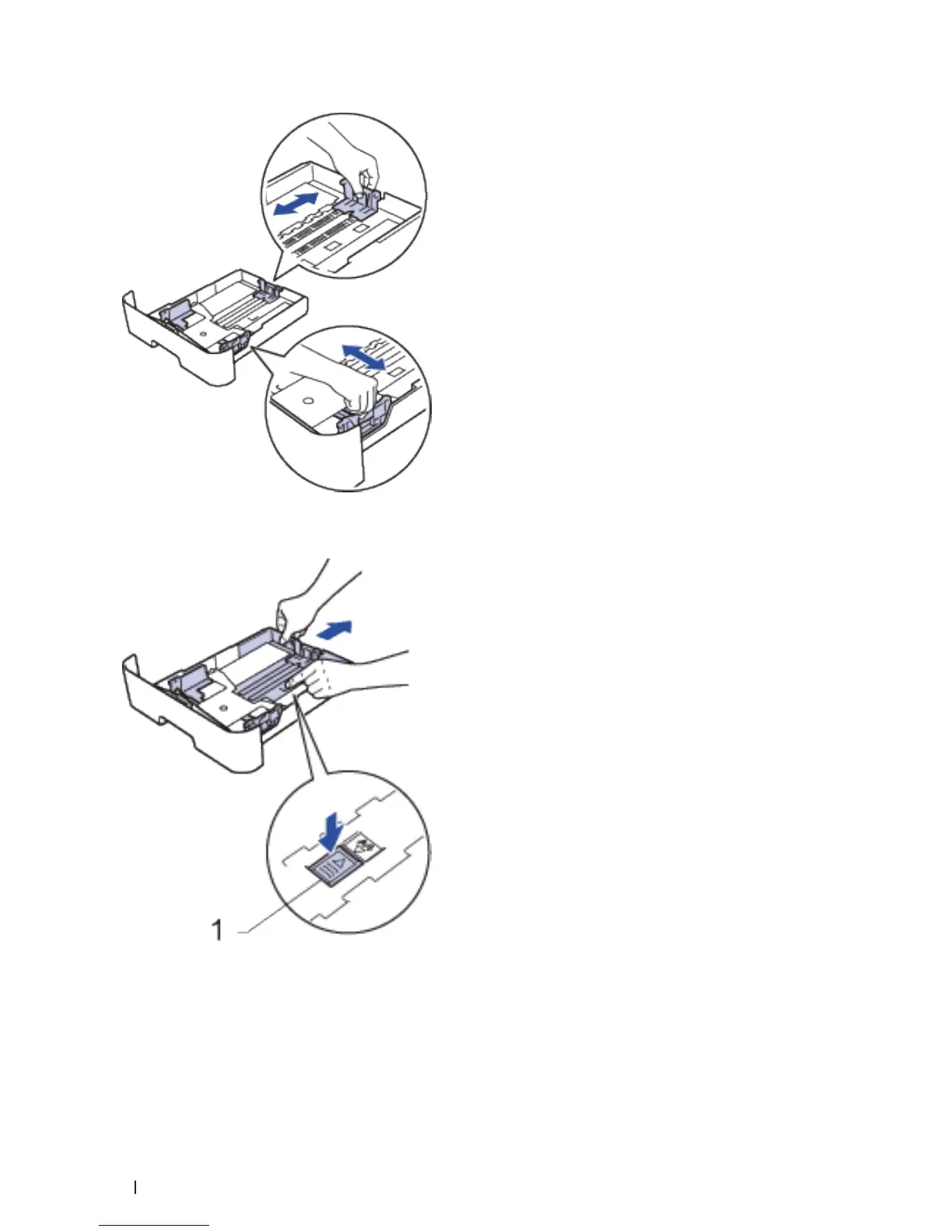
NOTE: For Legal or Folio size paper, press the release button (1) in the bottom of the paper tray and then pull out
the back of the paper tray. (Legal and Folio size paper are not available in some regions.)
3. Fan the stack of paper well.
4. Load paper with the printing surface
face down
in the paper tray.
NOTE: DO NOT load different types of paper in the paper tray at the same time. Doing this may cause the paper to
jam or misfeed.










 To Next Page