39Paper Handling
NOTE: The machine automatically turns on Manual Feed mode when you load paper in the manual feed slot.
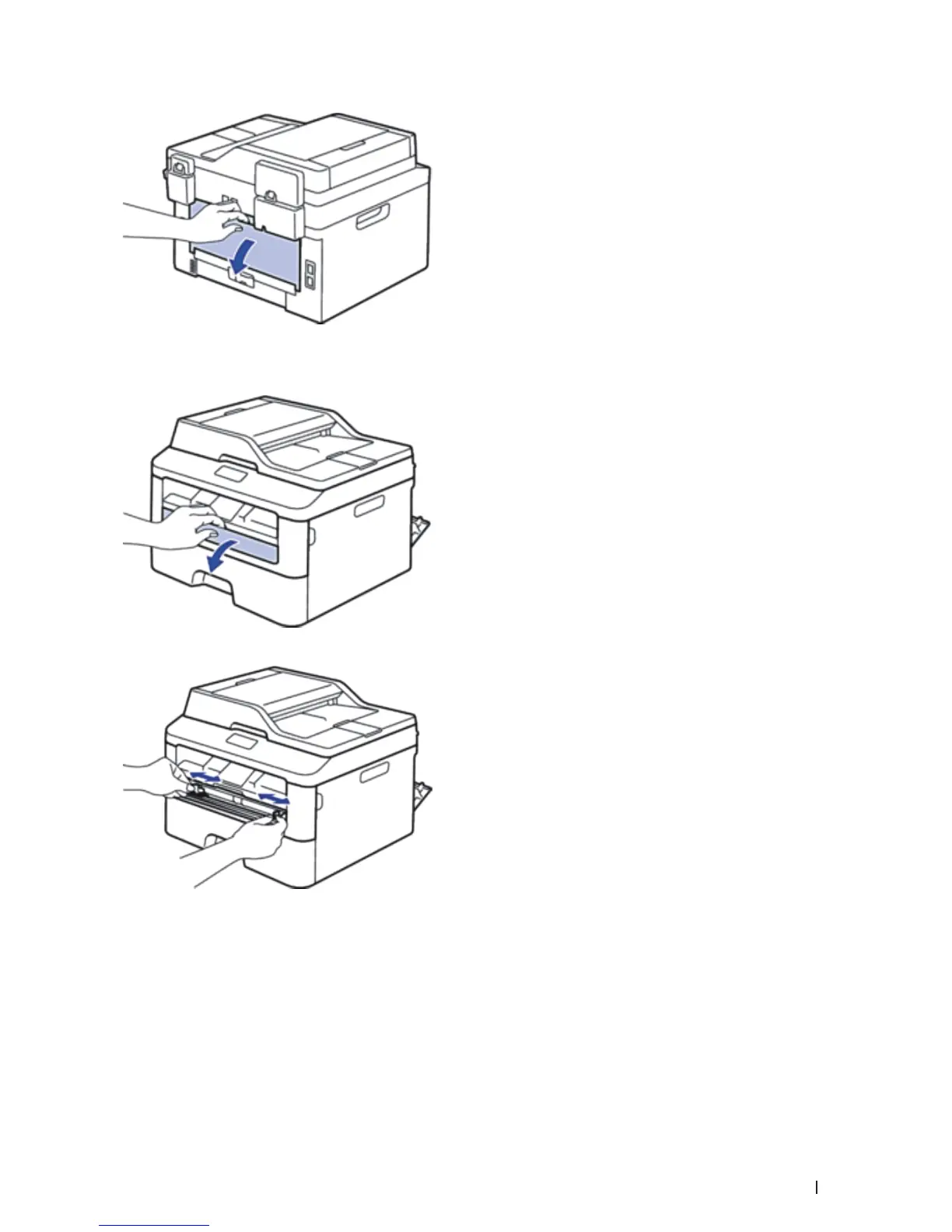
2. On the front of the machine, open the manual feed slot cover.
3. Use both hands to slide the manual feed slot paper guides to fit the width of the paper that you are using.
4. Using both hands, put one full sheet of paper in the manual feed slot until the front edge touches the paper
feed roller. When you feel the machine pull it in, let go.










 To Next Page