64 Print
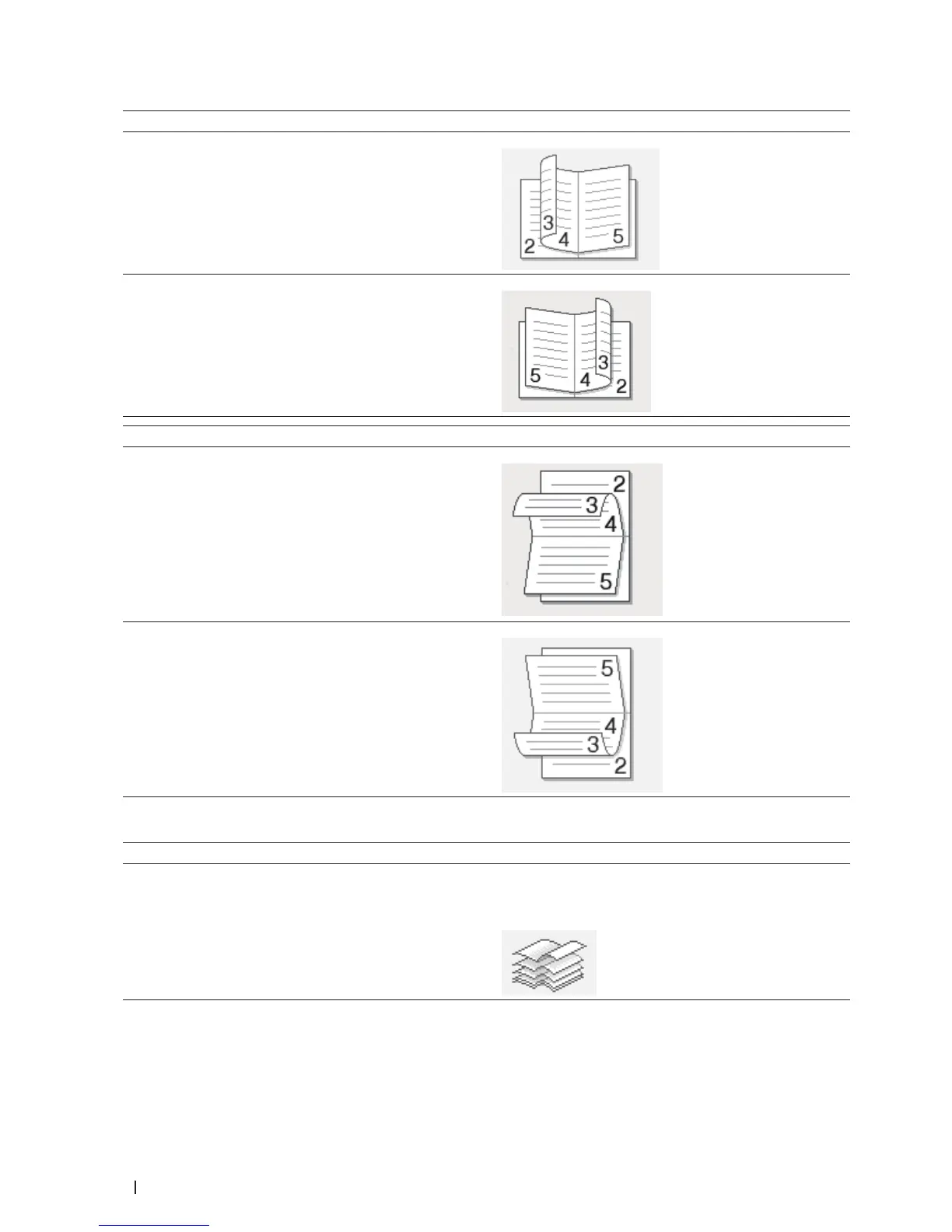
Option for Portrait Description
Left Binding
Right Binding
Option for Landscape Description
Top Binding
Bottom Binding
7. Select one of the options from the Booklet Printing Method menu.
Option Description
All Pages at Once Every page will be printed in booklet format (four pages
to every piece of paper, two pages per side). Fold your
printout in the middle to create the booklet.










 To Next Page