180 Fax
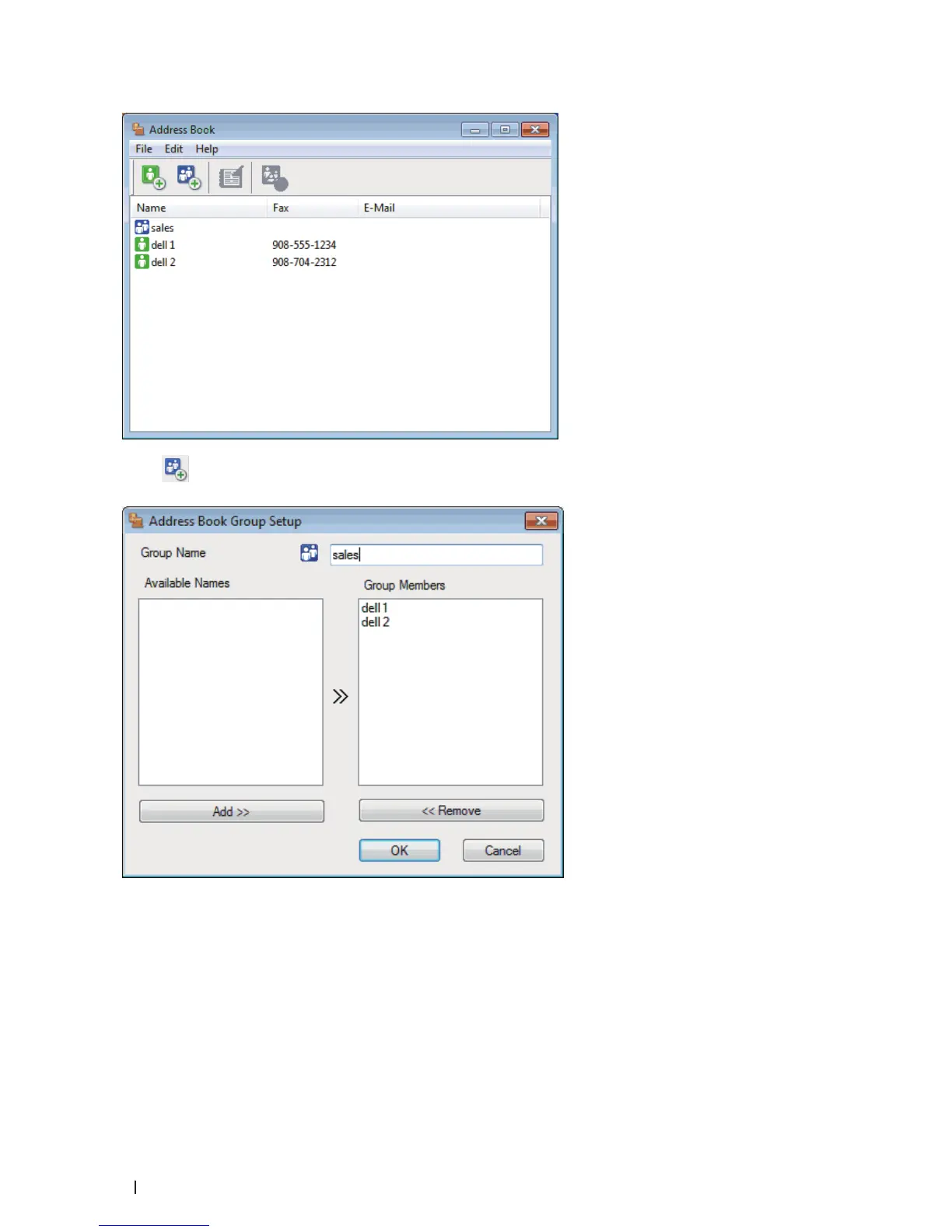
2. Click .
The Address Book Group Setup dialog box appears.
3. Type the name of the new group in the Group Name field.
4. In the Available Names field, select each name you want to include in the group, and then click Add >>.
Members added to the group appear in the Group Members box.
5. When finished, click OK.
NOTE: Each group can contain up to 50 members.



 To Next Page