29Introduction to Your Dell Machine
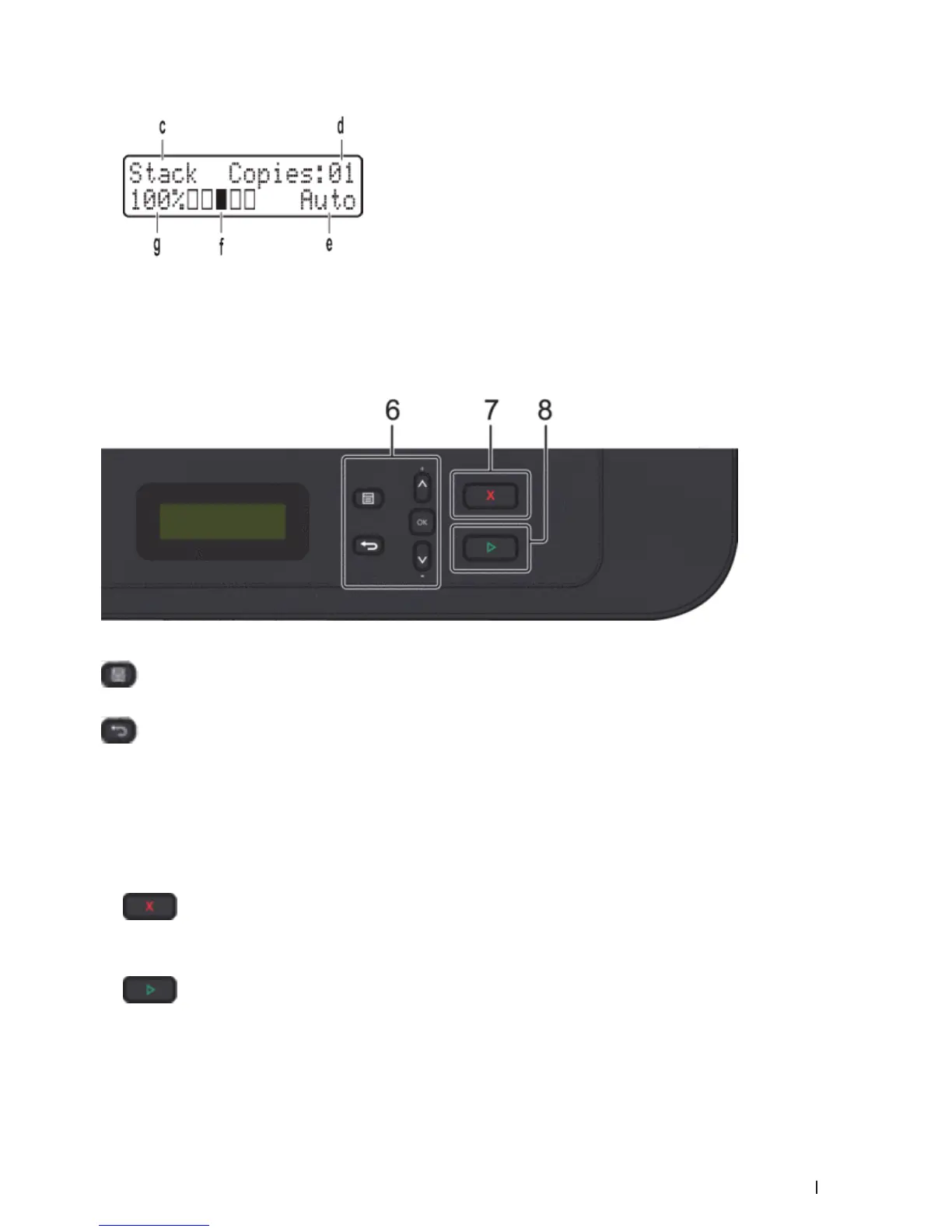
a. Type of copy
b. Number of copies
c. Quality
d. Contrast
e. Copy ratio
6. Menu buttons
(Menu)
Press to access the Menu for programming your machine settings.
(Clear)
• Press to delete entered data.
• Press to cancel the current setting.
OK
Press to store your machine setting.
p or q
Press to scroll up or down through menus and options.
7.
(Cancel)
• Press to stop an operation.
• Press to exit from a menu.
8.
(Start)
• Press to start copying.
• Press to start scanning documents.



 To Next Page