Quick Start Guide
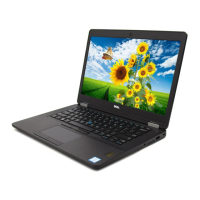
Latitude 14 5000 Series
E5470
1 Connect the power adapter and
press the power button
2 Finish operating system setup
Windows 8.1
Enable security and updates
Connect to your network
NOTE: If you are connecting to a secured wireless network, enter the password for the
wireless network access when prompted.
Sign in to your Microsoft account
orcreate alocal account
Windows 7
Set a password for Windows
Connect to your network
NOTE: If you are connecting to a secured wireless network, enter the password for the
wireless network access when prompted.
Protect your computer
Ubuntu
Follow the instructions on the screen to finish setup.

 Need help?





 To Next Page
 General