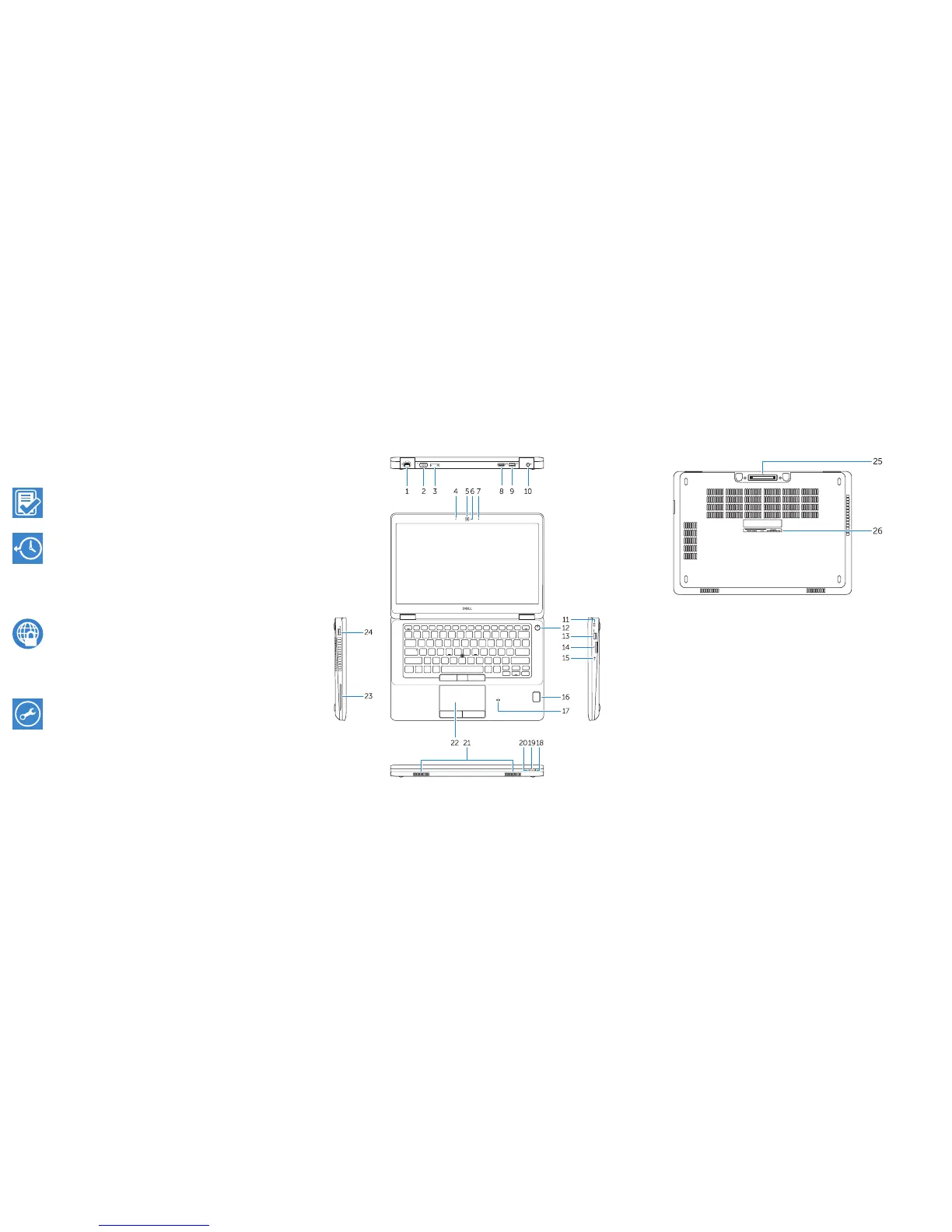
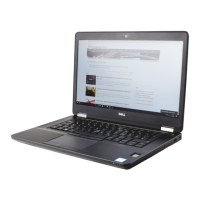
Features
1. Network connector
2. VGA connector
3. SIM card slot (optional)
4. Microphone
5. Camera (optional)
6. Camera-status light (optional)
7. Microphone
8. HDMI connector
9. USB 3.0 connector
10. Power connector
11. Security cable-slot
12. Power button
13. USB 3.0 connector with
PowerShare
14. SD memory-card reader
15. Headphone connector
16. Touch fingerprint reader (optional)
17. Contactless smart-card reader
(optional)
18. Battery-status light
19. Hard-drive activity light
20. Power-status light
21. Speakers
22. Touchpad
23. Smart-card reader (optional)
24. USB 3.0 connector
25. Docking connector
26. Service-tag label
Locate Dell apps in Windows 8.1
Register
My Device
Register your computer
Dell Backup and
Recovery
Backup, recover, repair, or restore your computer
Dell Data Protection | Protected Workspace
Protect your computer and data from advanced malware attacks
Dell SupportAssist Check and update your computer
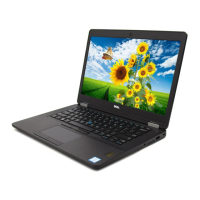
Learn more about computers & hardware we have.







 To Previous Page