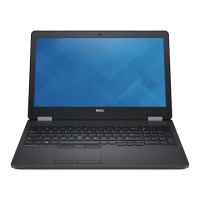
Latitude 15 5000 Series
E5570
Quick Start Guide
1 Connect the power adapter and
press the power button
Ubuntu
Follow the instructions on the screen to finish setup.
2
Finish operating system setup
Windows 7
Set a password for Windows
Connect to your network
NOTE: If you are connecting to a secured wireless network, enter the password for the
wireless network access when prompted.
Protect your computer
Windows 8.1
Enable security and updates
Connect to your network
NOTE: If you are connecting to a secured wireless network, enter the password for the
wireless network access when prompted.
Sign in to your Microsoft account
orcreate alocal account

 Need help?







 To Next Page
 General