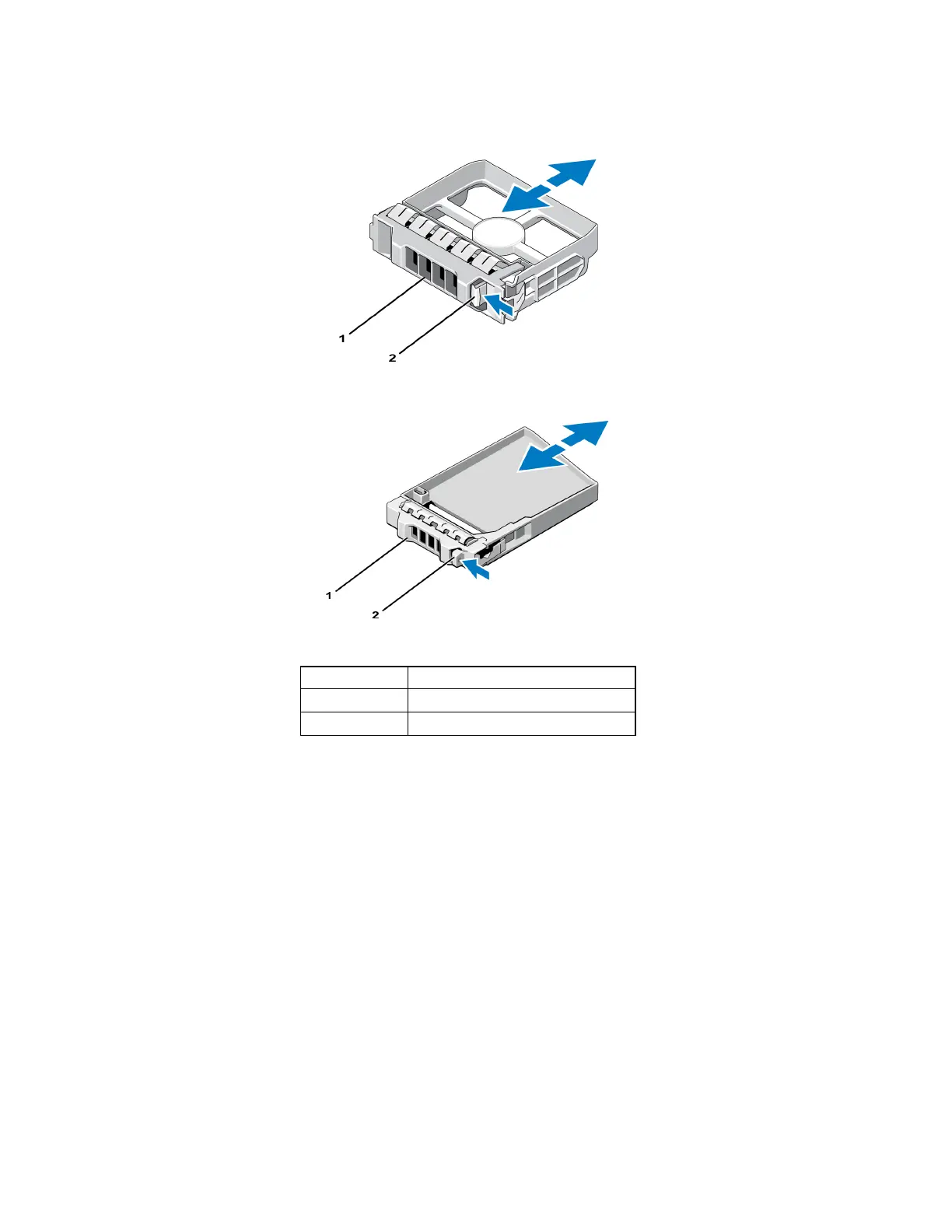
Figure 14: Removing and Installing a 3.5-Inch Hard-Drive Blank
Figure 15: Removing and Installing a 2.5-Inch Hard-Drive Blank
Table 5: Hard Drive Blank Callout Values
Item Description
1 Drive blank
2 Release tab
Installing a Drive Blank
1. Remove the bezel. See Removing the Bezel on page 2.
2. Insert the drive blank into the drive bay until the blank is fully seated.
3. Attach the bezel.
14
PS6210 Hardware Owner's Manual 2 Maintaining Drives


 To Next Page