494
Clearing Jams
Clearing Paper Jams From the Trays
If status code 050-134 appears:
1
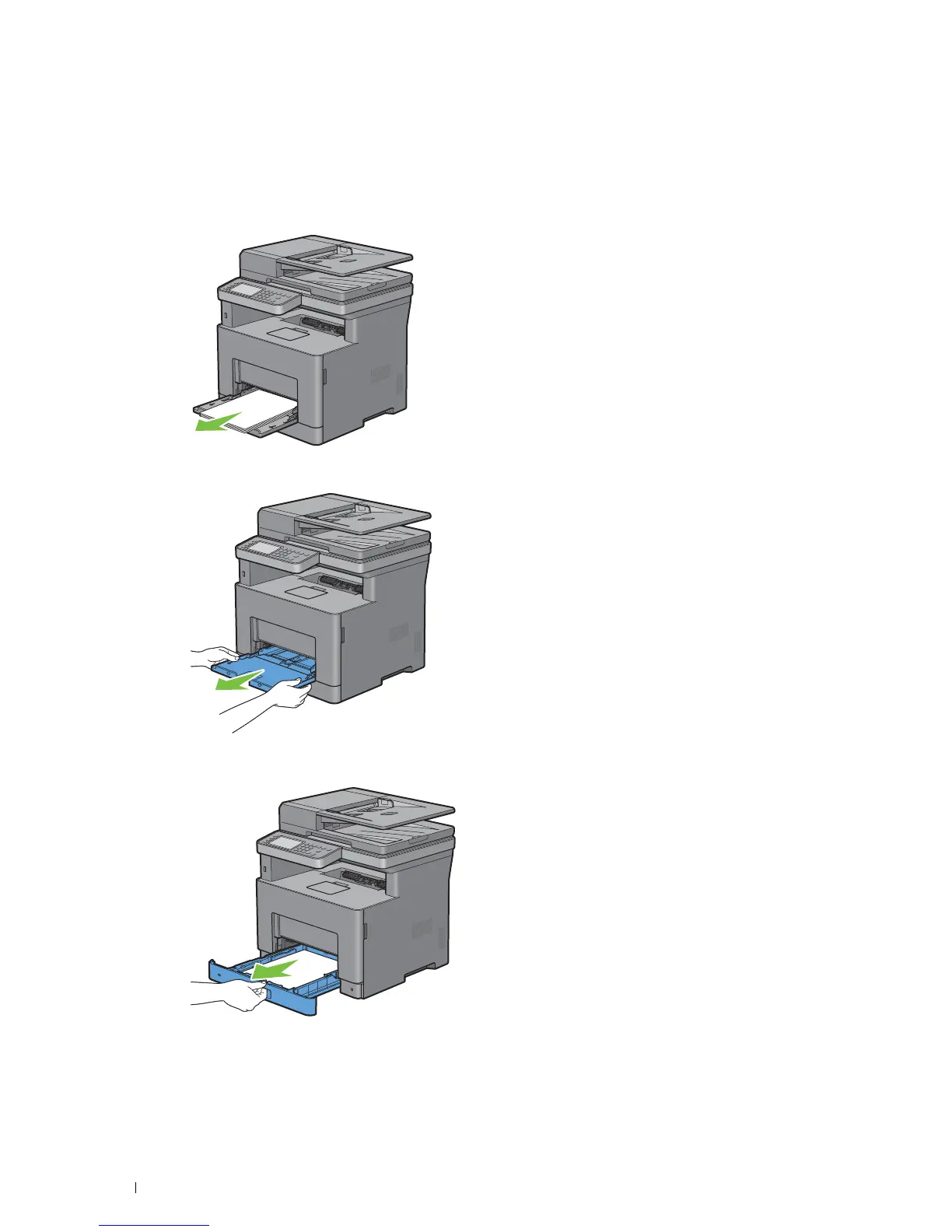
Open the MPF, or remove the remaining documents from the MPF.
2
Grasp both sides of the MPF, and then pull the MPF from the printer.
3
Pull tray1 from the printer about 200 mm.



 To Next Page