Using Your Dell DJ 38
www.dell.com | support.dell.com
• Language — choose the Dell DJ’s display language
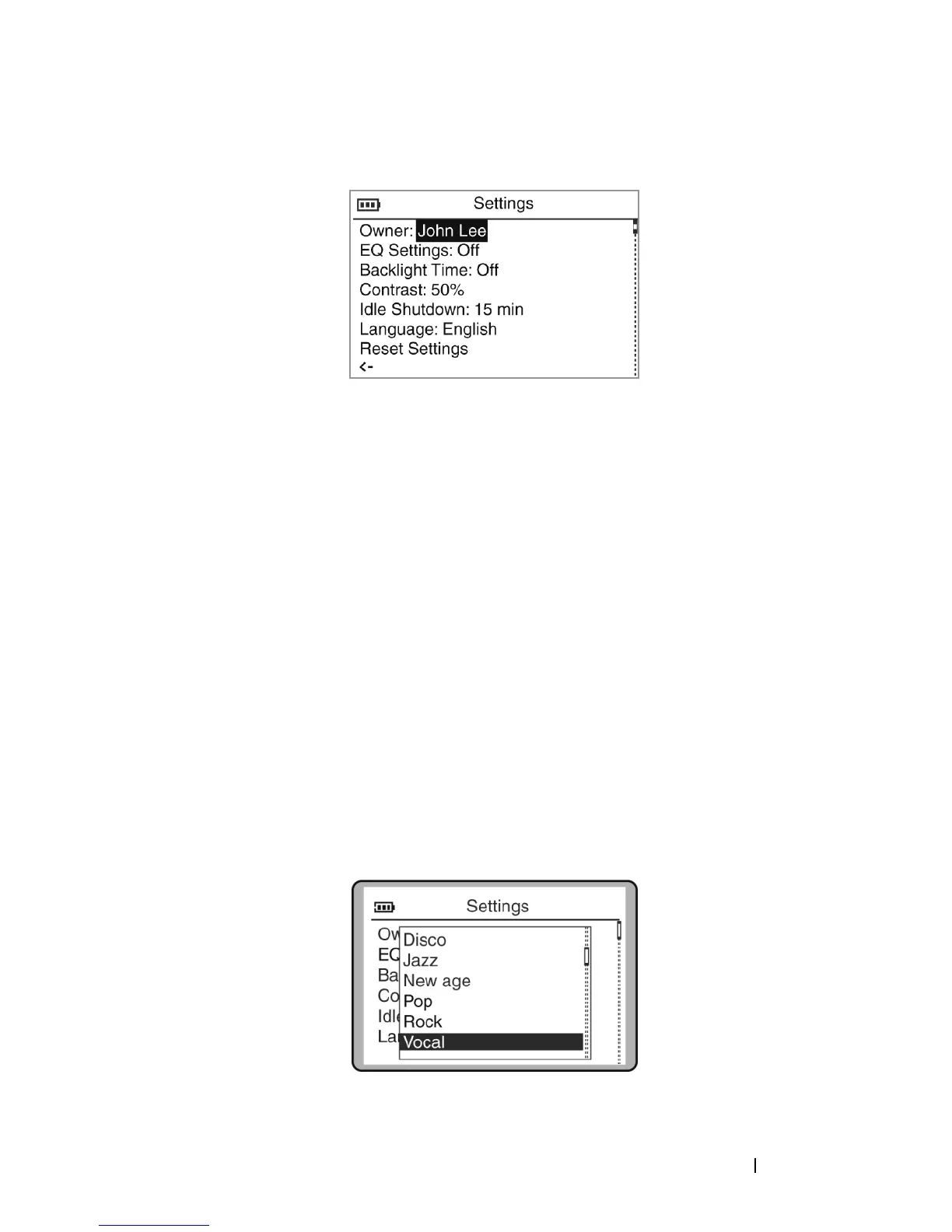
To set the owner’s name:
1
Press the Home button.
2
Scroll-select
Settings & Info
.
3
Scroll-select
Settings
.
4
Scroll-select the owner’s name. A list of characters appear.
5
Scroll-select characters to form the name.
To select other characters, scroll-select
Charset
.
6
Scroll-select
OK
.
To select an EQ setting:
1
Press the Home button.
2
Scroll-select
Settings & Info
.
3
Scroll-select
Settings
.
4
Scroll-select the current EQ setting. A list of EQ presets appears. To
select one of the EQ presets, scroll-select the preset.


 To Next Page