System Board 71
14
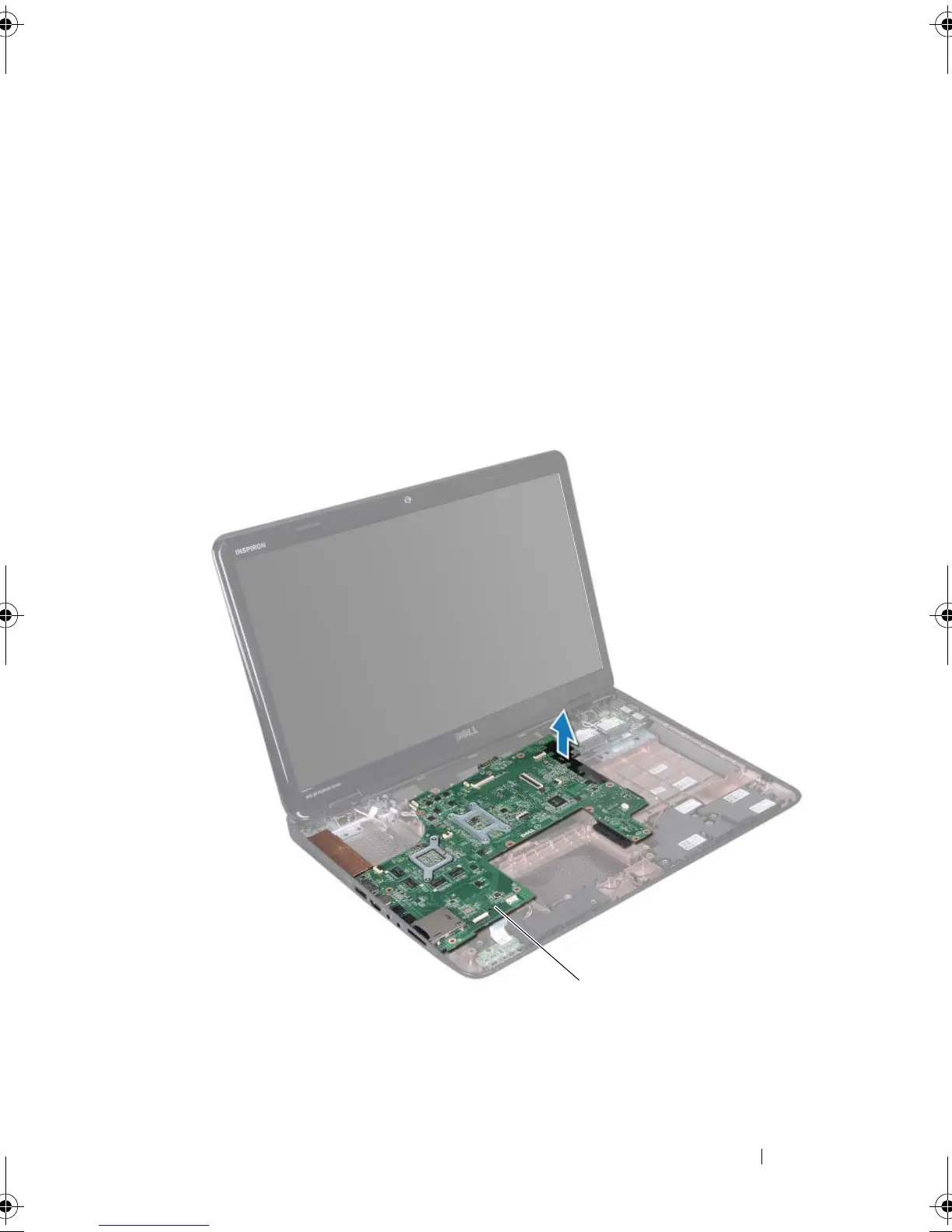
Lift the system board to disconnect the connector on the system board
from the connector on the I/O board.
15
Turn the system-board assembly over.
1 AC-adapter connector cable 2 screws (6)
3 status light cable connector 4 speaker cable connector
5 subwoofer cable connector 6 dispaly cable connector
7 camera cable connector
1 system board
book.book Page 71 Friday, April 13, 2012 2:02 PM








 To Next Page