90 Display
5
Remove the keyboard (see "Removing the Keyboard" on page 27).
6
Remove the palm-rest assembly (see "Removing the Palm-Rest Assembly"
on page 31).
7
Disconnect the display cable and camera cable from the connectors on the
system board.
8
Disconnect the Mini-Card antenna cables from the connectors on the
Mini-Card(s) (see "Removing the Mini-Card(s)" on page 45).
9
Note the routing of display cable, camera cable, and Mini-Card antenna
cables and remove the cables from the routing guides.
10
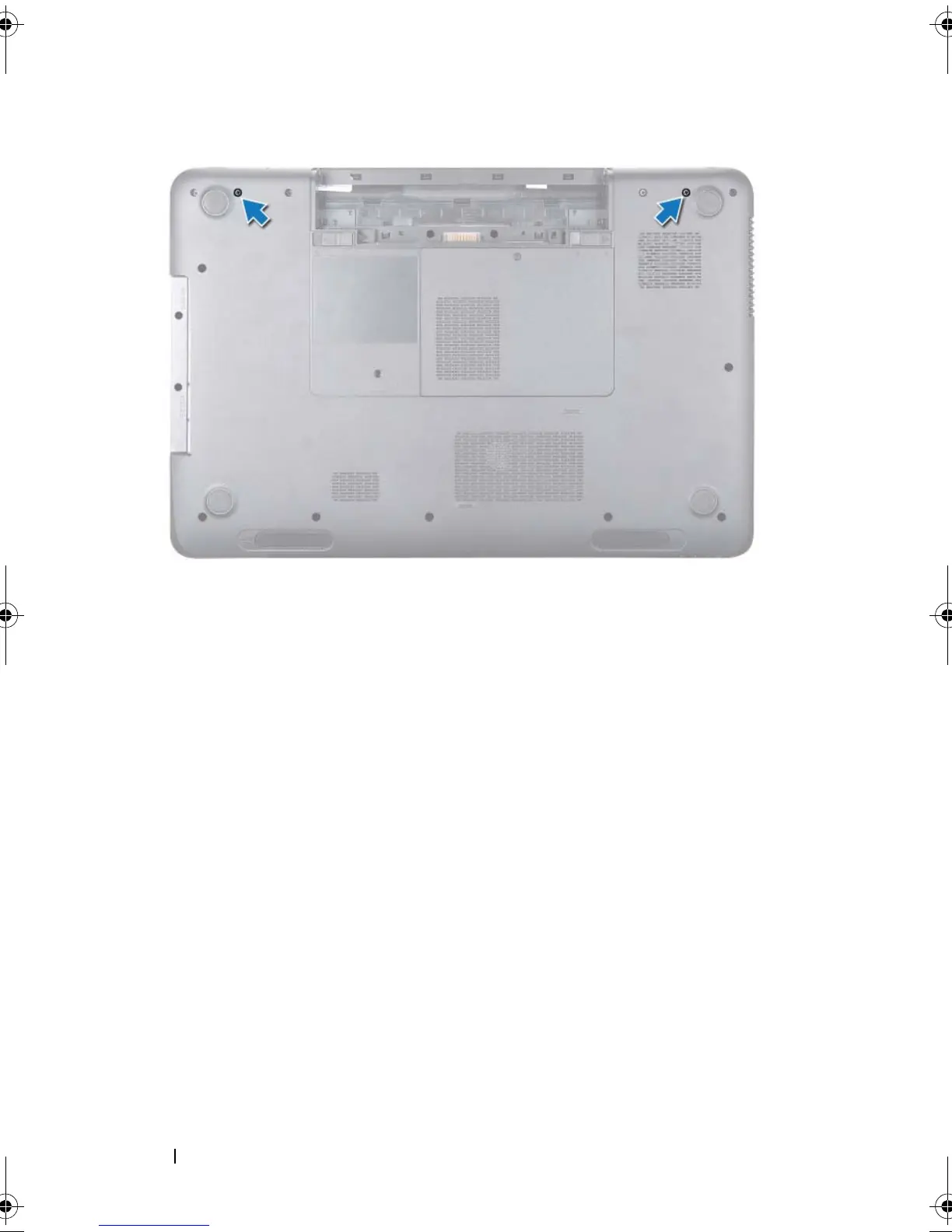
Remove the four screws that secure the display assembly to the computer
base.
book.book Page 90 Friday, April 13, 2012 2:02 PM








 To Next Page