Using Your Projector 33
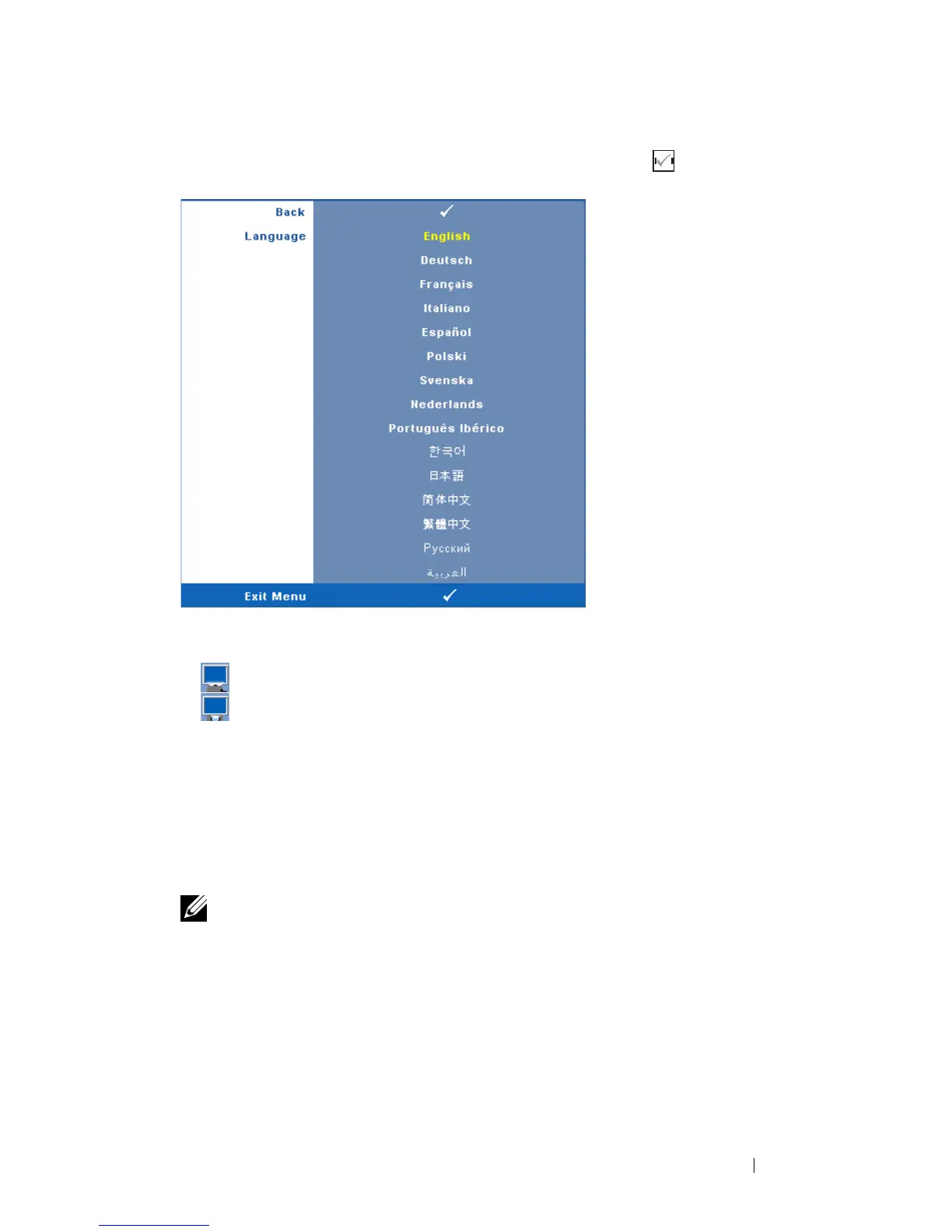
LANGUAGE—Allows you to set the language for the OSD. Press to activate the
Language menu.
P
ROJECTOR MODE—Allows you to select the projector mode, depending upon how
the projector is mounted.
• Front Projection-Desktop — This is the default option.
• Rear Projection-Desktop — The projector reverses the image so that you
can project from behind a translucent screen.
A
UTO KEYSTONE—Select On to enable the auto correction for vertical image
distortion caused by tilting the projector.
V. K
EYSTONE—Manually adjust the vertical image distortion caused by tilting the
projector.
3D D
ISPLAY—Select On to start the 3D display function. Default is Off.
NOTE:
1. When you want to create 3D experience, you will need a few other components
including:
a PC/NB with a 120 Hz signal output quad buffered graphics card.
b "Active" 3D glasses with DLP Link™.
c 3D content. See "Note 4".
d 3D Player. (Example: Stereoscopic Player...)
2. Enable the 3D function when it satisfies any of the below-mentioned conditions:



 To Next Page