38 Using Your Projector
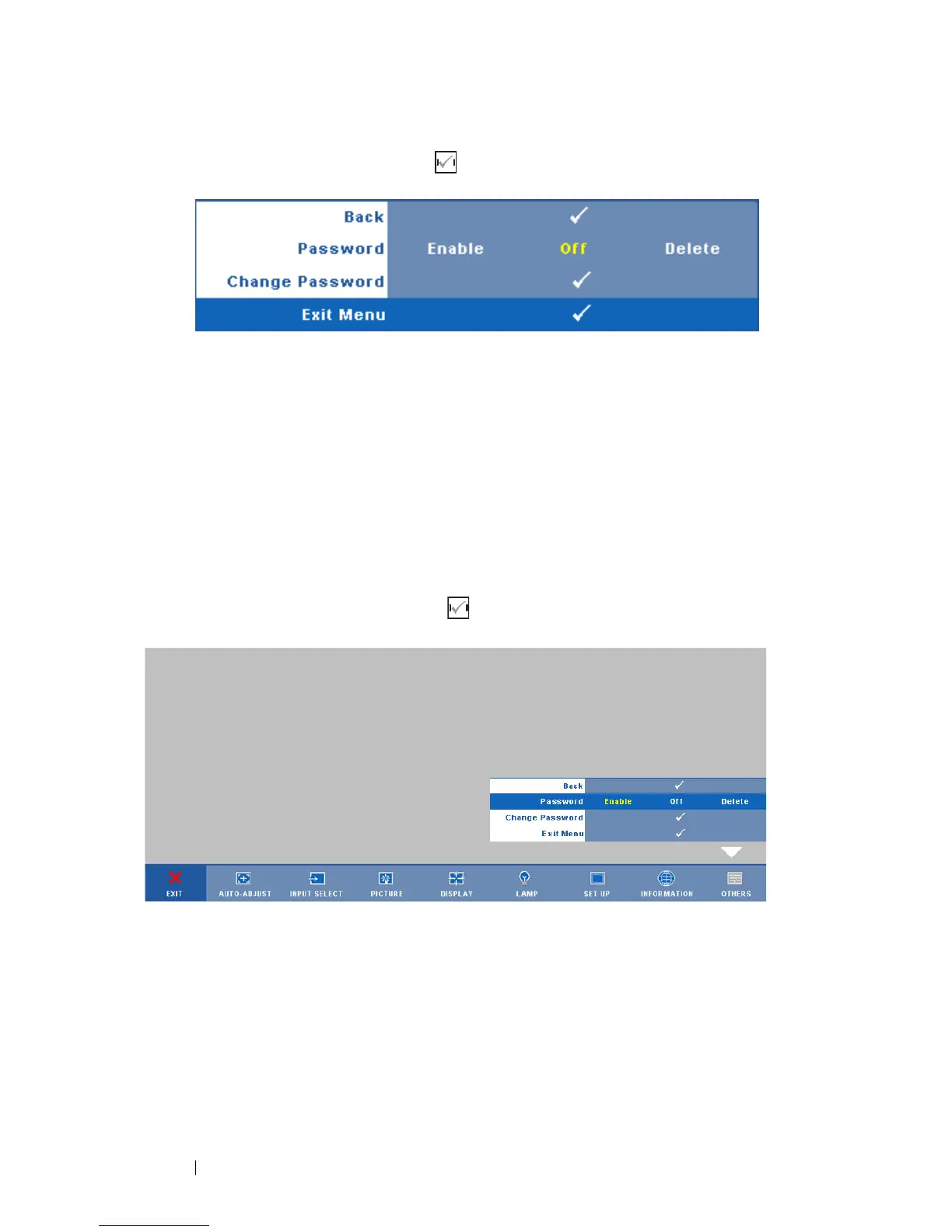
SECURITY SETTINGS—Select and press to activate security settings. The
security settings menu allows you to enable and set password protection.
PASSWORD—When Password Protect is enabled, a Password Protect screen
requesting you to enter a password will be displayed when the power plug is
inserted into the electrical outlet and the power for the projector is first
turned on. By default, this function is disabled. You can enable this feature
by selecting Enabled. If the password has been set before, key in the
password first and select the function. This password security feature will
be activated the next time you turn on the projector. If you enable this
feature, you will be asked to enter the projector's password after you turn
on the projector:
1
First time password input request:
a Go to Others menu, press and then select Password to
Enable the password setting.



 To Next Page