3
Alternatively, drag the
Drag and Drop Application
finder icon over the
application you want to add. The path appears in the application path field.
Example:
1
Open an
Internet Explorer
window.
2
Drag the icon over the Internet Explorer Window.
3
The path
C:\Program Files\InternetExplorer\iexplore.exe
appears in the
Application Path
field and
iexplore.exe
appears in the
Application Profile
Name
field.
To delete a profile:
1
On the
Jog Shuttle
tab, select an option from the
Application Profile
drop-
down list.
2
Click
Delete
.
Using The Jog Shuttle
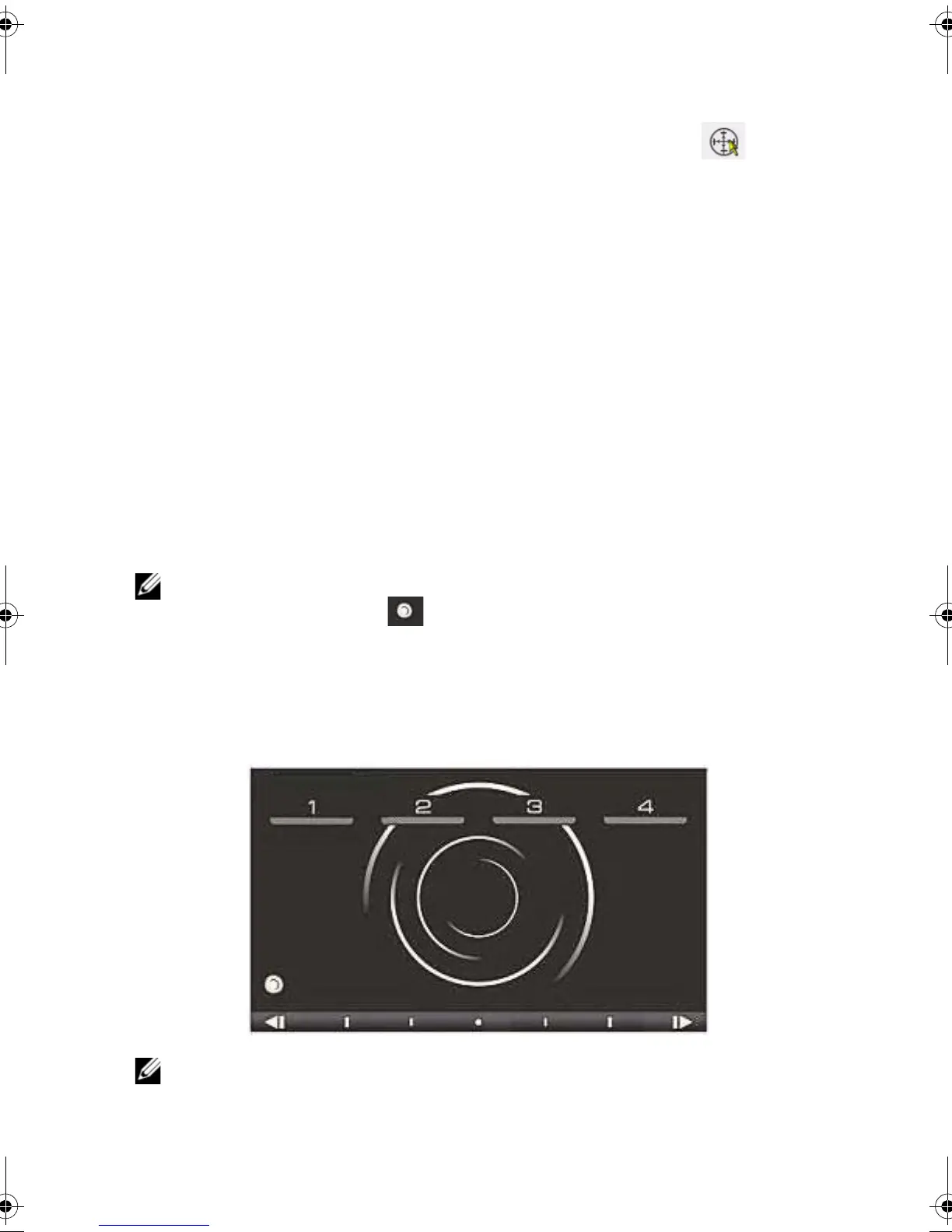
NOTE: Configure the profile with the required control and operation before proceeding.
1
Press the Jog Shuttle icon on the bottom left corner of the touchpad.
2
The back-lit touchpad is visible with the controls.
3
Open the application. Example: Internet Explorer.
4
Press the control. The task defined for that control is perfomed.
NOTE: All regular touchpad buttons and scrolling features are disabled if Jog Shuttle is
active.
JogShuttle.fm Page 16 Monday, September 27, 2010 10:01 AM











 To Next Page