4
1
FCC ID:
SUZ-WU5205C
FCC ID:
S UZ-WU5205C
M115 Wireless Installation Guide.book Page 4 Tuesday, July 2, 2013 5:50 PM !
Wireless Installation Instruction
Enable Wireless on the Projector
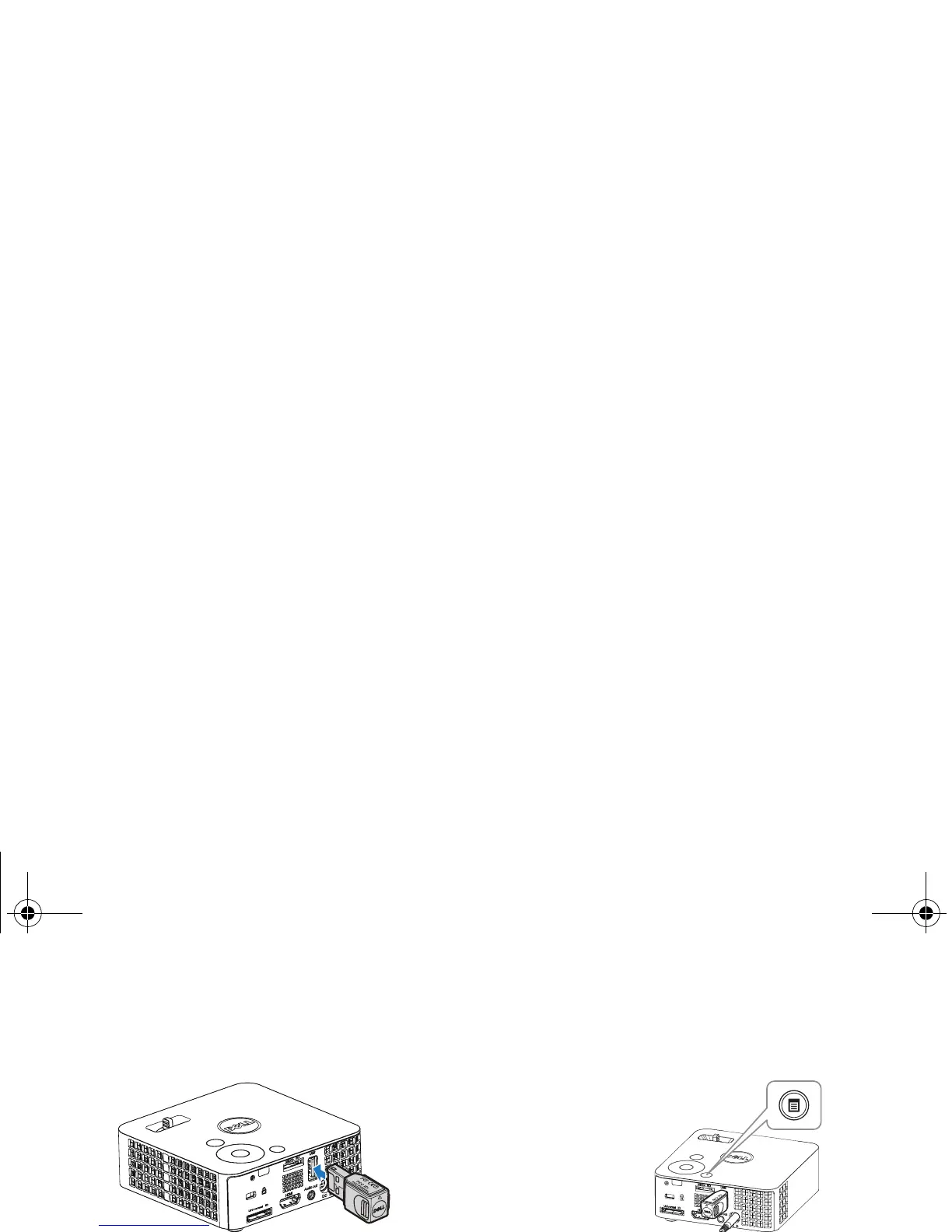
3 Press the Menu button on your
projector control panel or remote
Install the optional wireless dongle. control.
2 Connect the power cord with AC
adapter to the wall outlet and press the
power button.
NOTE: Use
,
, and
buttons to navigate and to select.
4 Select the input source as USB.



 To Next Page