M115 Wireless Installation Guide.book Page 9 Tuesday, July 2, 2013 5:50 PM !
Wireless Installation Instruction
Understanding the Buttons
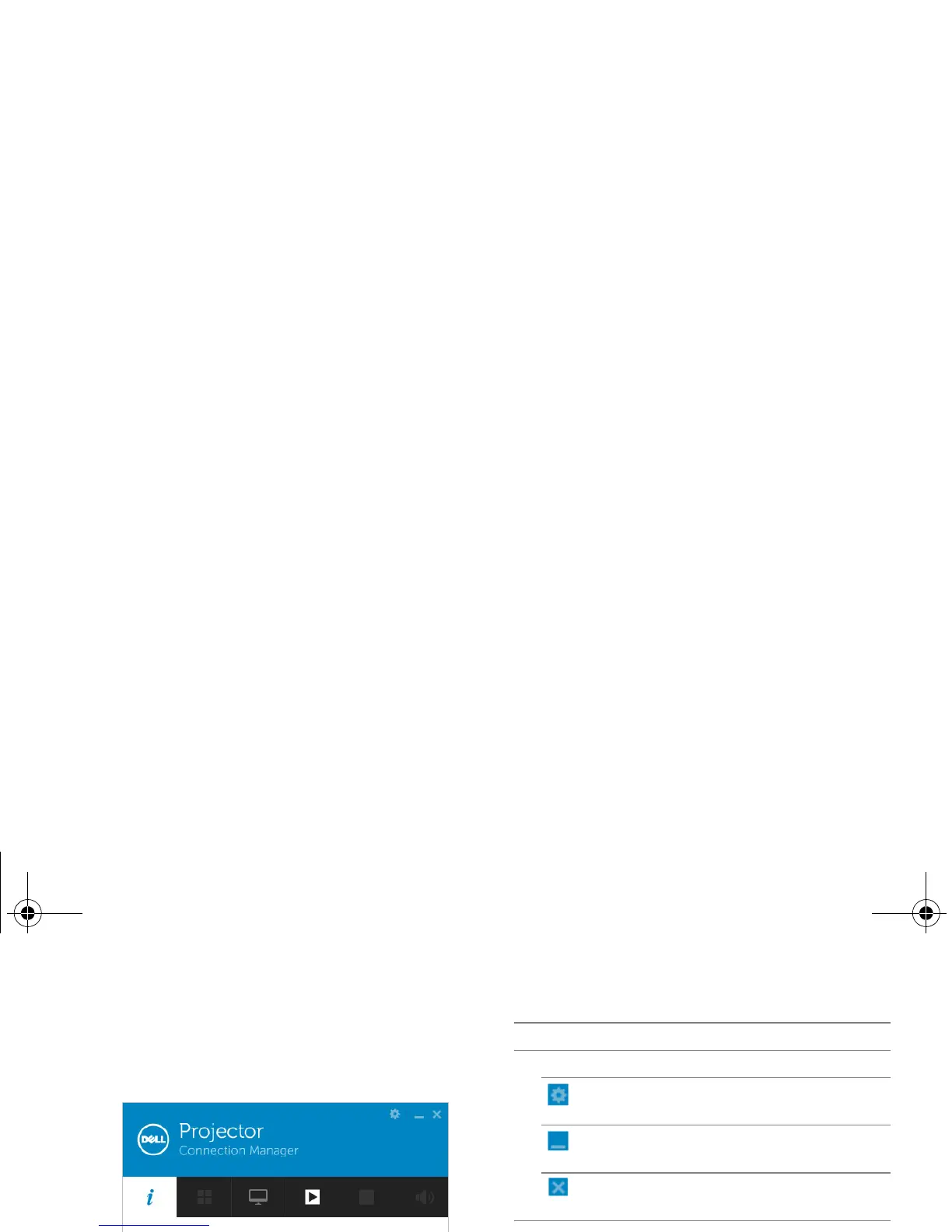
After a successful log in, the following screen
appears:
Minimize Click to minimize the
button application.
Close Click to exit the
button application.
2 Controls Toolbar
Informat Click to display SSID, IP,
ion and Access Code
information.
Item Description
1Status Bar
Settings Click to activate the
application settings.
Share
mode
Click to activate the
share mode (4-in-1 split
screen).
(this feature is not
supported in the
M115HD)
Display Click to change the
mode display mode.
Start Click to start projection.
9



 To Next Page