M115 Wireless Installation Guide.book Page 6 Tuesday, July 2, 2013 5:50 PM !
Wireless Installation Instruction
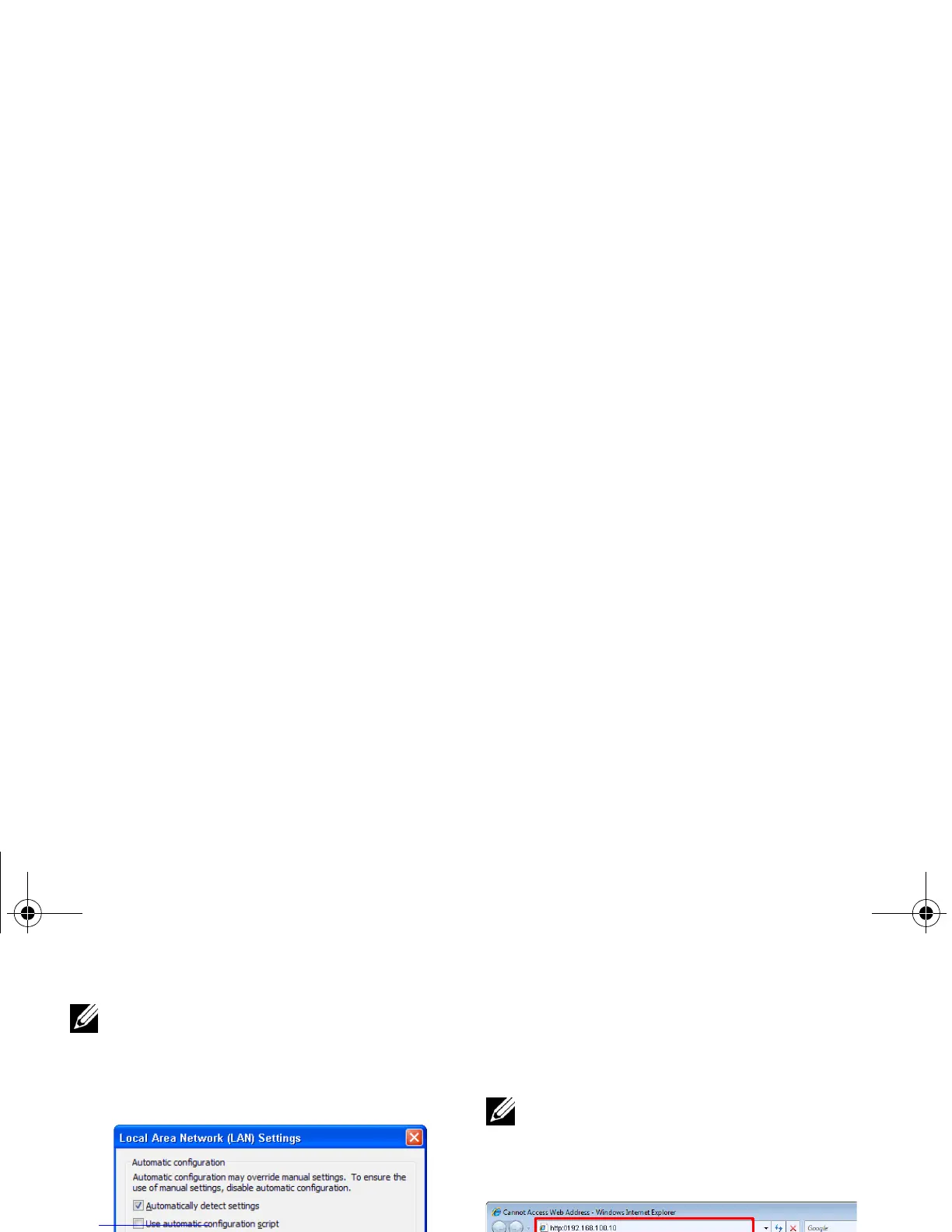
NOTE: It is recommended that all
proxies are turned off. (In Microsoft
®
Windows 7: Click Control Panel J
Internet Options J Connections J
LAN Settings)
7 "Dell Projector Connection Manager" is
required if used for wireless display.
Please download and install the
software for first-time use. If it is
already installed, skip Step 7 - 12.
NOTE: You only need to install the "Dell
Projector Connection Manager" once.
6
8 Open the Internet browser on your
computer. You will be automatically
directed to the M115HD Web
Management web page.
NOTE: If the web page does not load
automatically, enter the IP address
(default IP address is 192.168.100.10) in
the browser's address bar.
9 The M115HD web management page
opens. For first-time use, click
Download.



 To Next Page