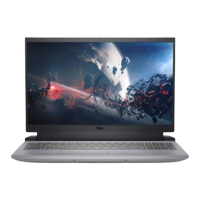
Views of Dell G15 5525
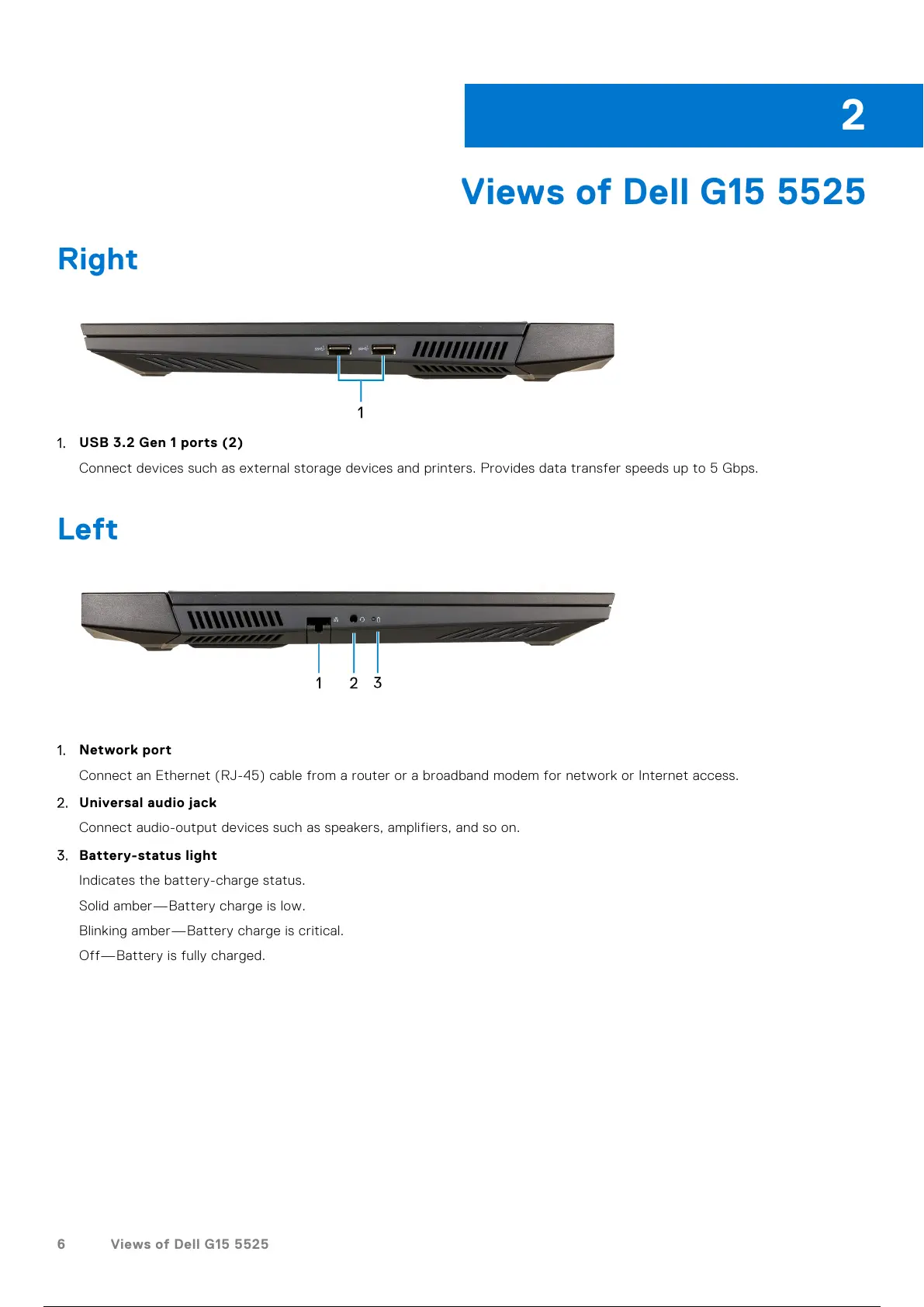
Right
1. USB 3.2 Gen 1 ports (2)
Connect devices such as external storage devices and printers. Provides data transfer speeds up to 5 Gbps.
Left
1. Network port
Connect an Ethernet (RJ-45) cable from a router or a broadband modem for network or Internet access.
2. Universal audio jack
Connect audio-output devices such as speakers, amplifiers, and so on.
3. Battery-status light
Indicates the battery-charge status.
Solid amber—Battery charge is low.
Blinking amber—Battery charge is critical.
Off—Battery is fully charged.
2
6 Views of Dell G15 5525
7 / 26 6 / 24 7 / 26


 To Next Page