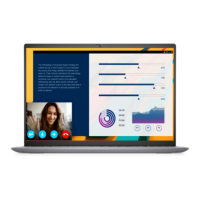
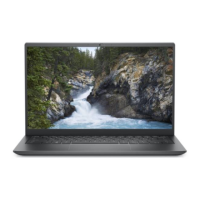
Views of Vostro 14 5410
Topics:
• Right
•
Left
• Top
• Front
• Bottom
• Battery charge and status LED
Right
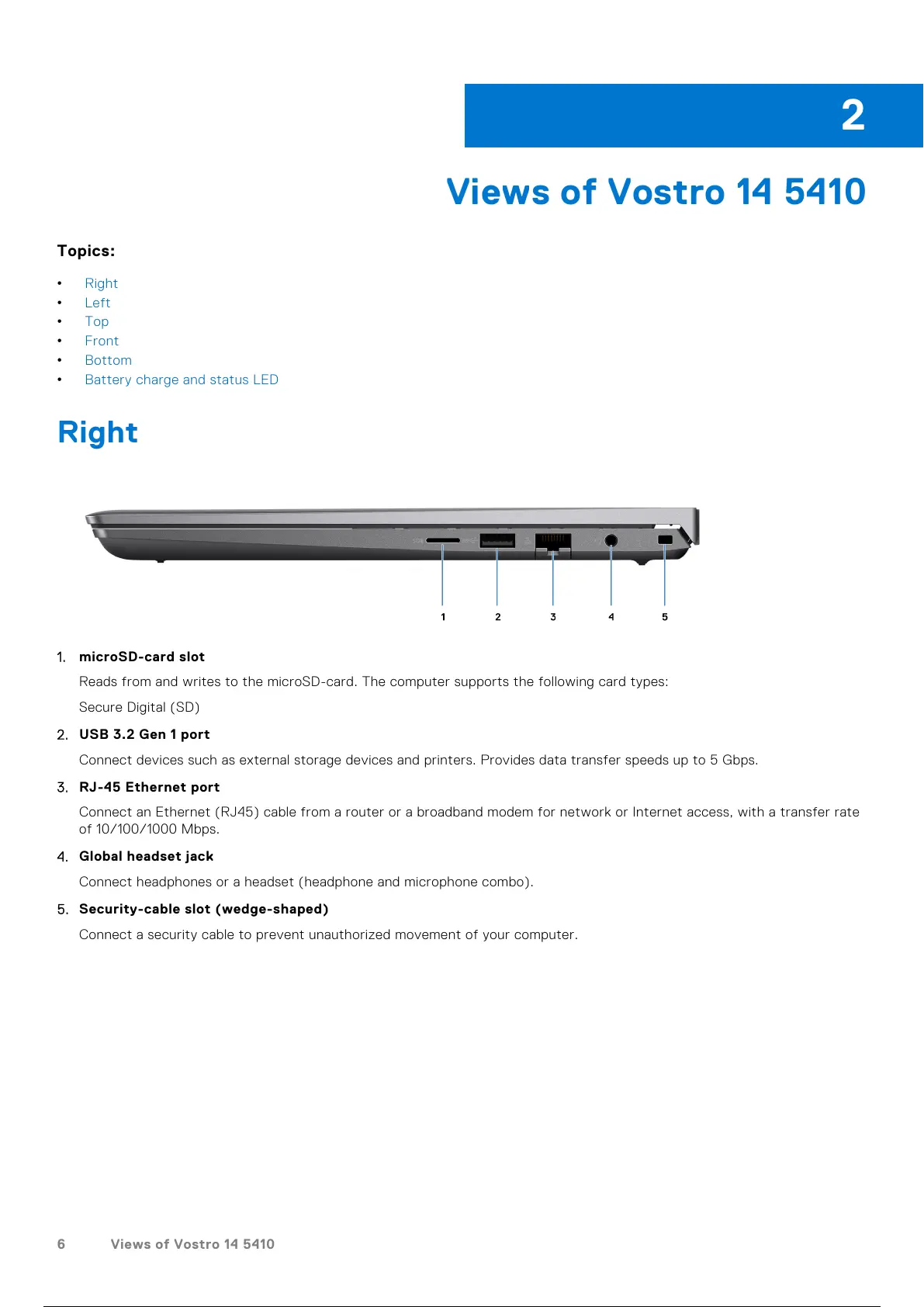
1. microSD-card slot
Reads from and writes to the microSD-card. The computer supports the following card types:
Secure Digital (SD)
2. USB 3.2 Gen 1 port
Connect devices such as external storage devices and printers. Provides data transfer speeds up to 5 Gbps.
3. RJ-45 Ethernet port
Connect an Ethernet (RJ45) cable from a router or a broadband modem for network or Internet access, with a transfer rate
of 10/100/1000 Mbps.
4. Global headset jack
Connect headphones or a headset (headphone and microphone combo).
5. Security-cable slot (wedge-shaped)
Connect a security cable to prevent unauthorized movement of your computer.
2
6 Views of Vostro 14 5410
7 / 27 6 / 25 7 / 27


 To Next Page