EasyManua.ls Logo

Dell NOT21701 - User Manual

Dell NOT21701
28 pages
Print Icon
To Next Page IconTo Next Page
Loading...
https://tehnoteka.rs
Uputstvo za upotrebu (EN)
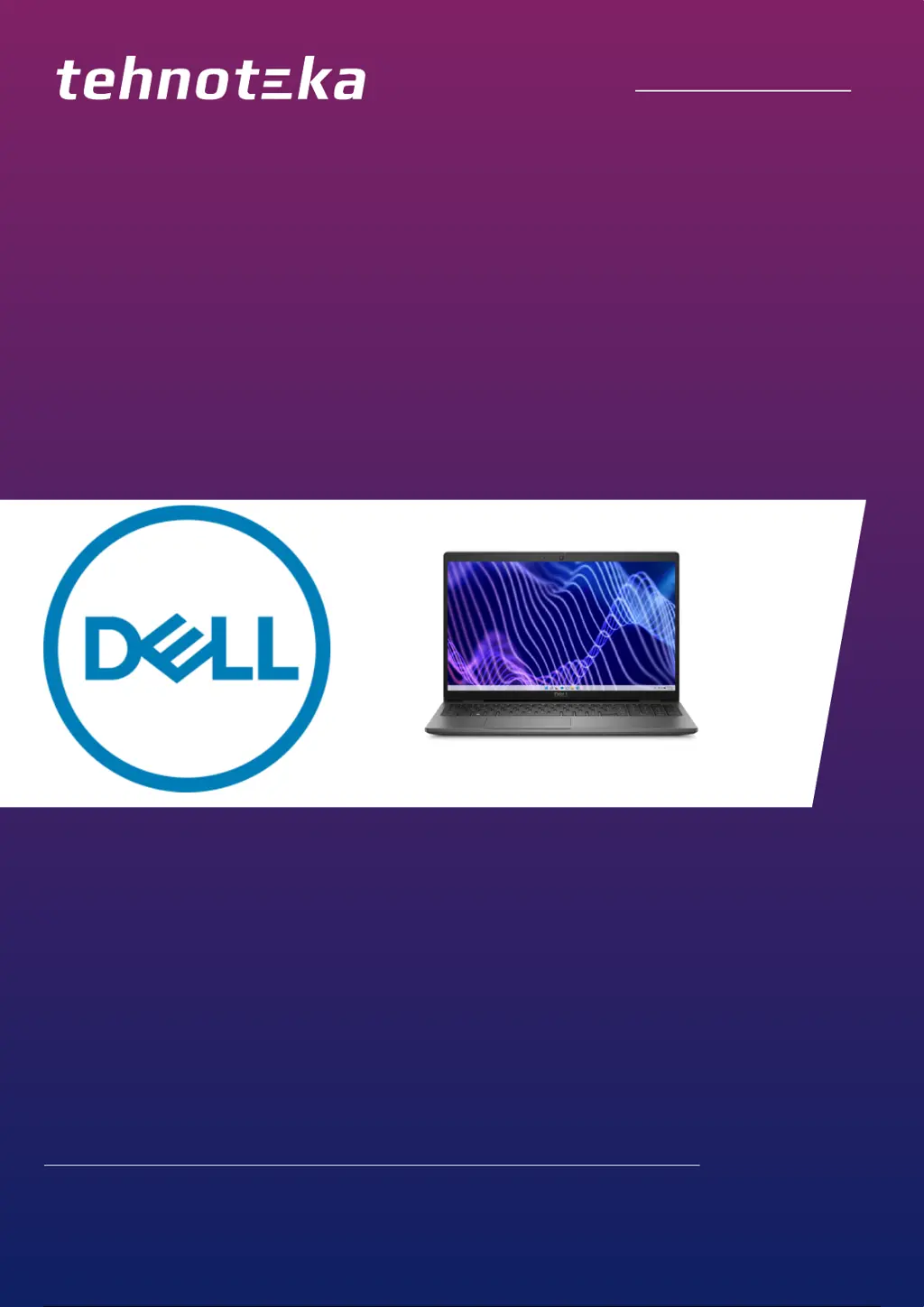
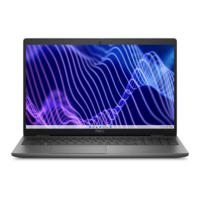
DELL laptop Latitude 3540 (NOT21701)
Tehnoteka je online destinacija za upoređivanje cena i karakteristika bele tehnike,
potrošačke elektronike i IT uređaja kod trgovinskih lanaca i internet prodavnica u Srbiji.
Naša stranica vam omogućava da istražite najnovije informacije, detaljne karakteristike
i konkurentne cene proizvoda.
Posetite nas i uživajte u ekskluzivnom iskustvu pametne kupovine klikom na link:
https://tehnoteka.rs/p/dell-laptop-latitude-3540-not21701-akcija-cena/
1 / 28

Questions and Answers

  • V
    Victoria MarshSep 9, 2025
    What to do if my Dell NOT21701 has Timeout waiting on ME to reply to HECI message?
    • R
      Rachel JonesSep 9, 2025
      If your Dell Laptop shows a timeout while waiting for ME to reply to a HECI message, the solution is to replace the system board.
  • J
    Jessica HarmonSep 12, 2025
    What to do if my Dell Laptop has Unrecoverable SPI Flash Failure?
    • M
      Misty McdanielSep 12, 2025
      If your Dell Laptop is experiencing an unrecoverable SPI Flash Failure, the solution is to replace the system board.
  • R
    Robert SolomonSep 14, 2025
    What to do if my Dell NOT21701 Laptop has EC unable to program i-Fuse?
    • E
      emitchellSep 14, 2025
      If your Dell Laptop shows that the EC is unable to program the i-Fuse, the solution is to replace the system board.
  • E
    Elijah JohnsonSep 16, 2025
    What to do if my Dell Laptop has Flash corruption detected by SBIOS?
    • H
      heather86Sep 16, 2025
      If SBIOS detects flash corruption on your Dell Laptop, press the power button for over 25 seconds to perform an RTC reset. If the issue persists, replace the system board.

Dell NOT21701 Specifications

General IconGeneral
BrandDell
ModelNOT21701
CategoryLaptop
LanguageEnglish

Related product manuals