Back to Contents Page
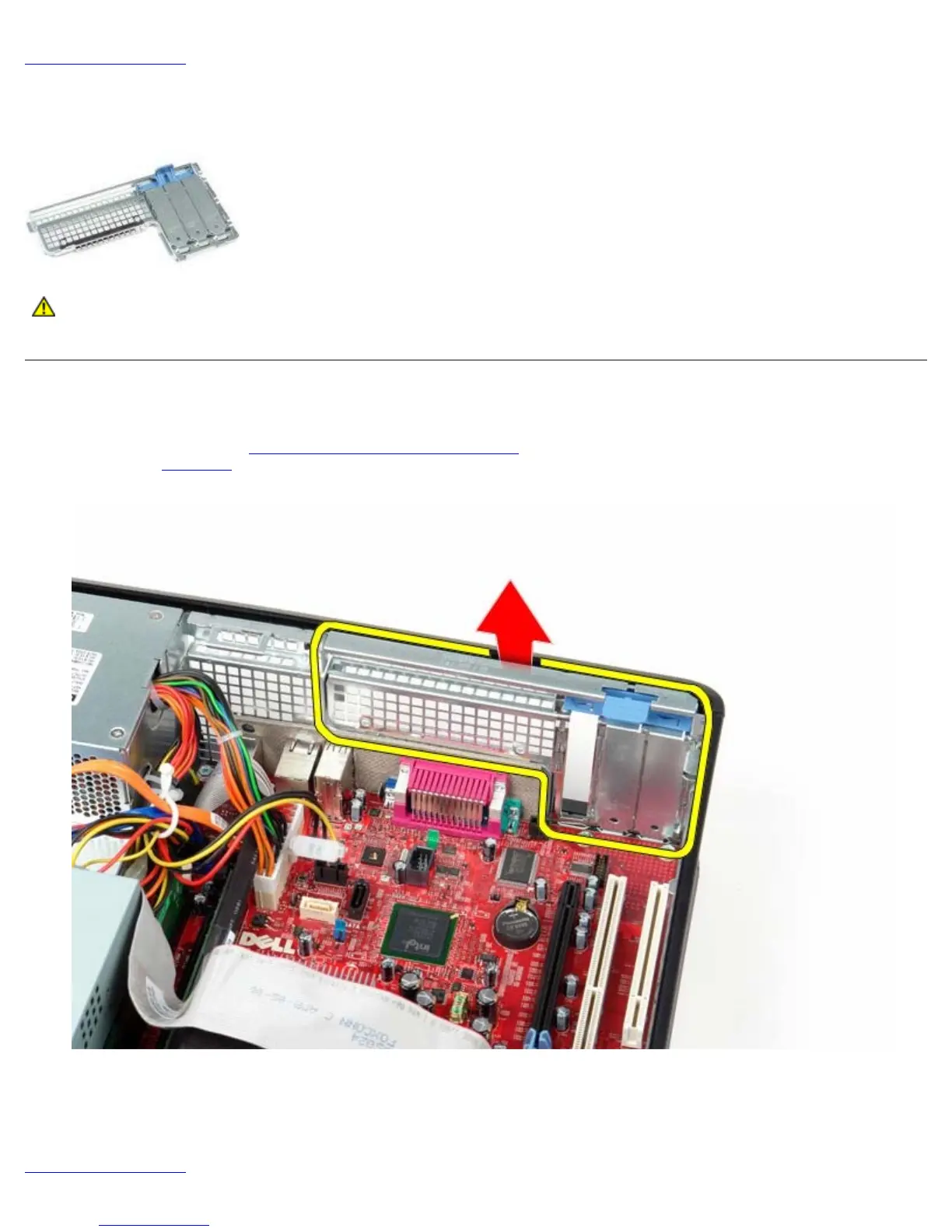
Standard Back Plate
Dell™ OptiPlex™ 780 Service Manual—Desktop
WARNING: Before working inside your computer, read the safety information that shipped with your
computer. For additional safety best practices information, see the Regulatory Compliance Homepage at
www.dell.com/regulatory_compliance.
Removing the Standard Back Plate
1. Follow the procedures in Before Working Inside Your Computer.
2. Remove the riser cage
.
3. Gently lift the standard back plate and remove from the computer.
Replacing the Standard Black Plate
To replace the standard black plate, perform the above steps in reverse order.
Back to Contents Page











 To Next Page