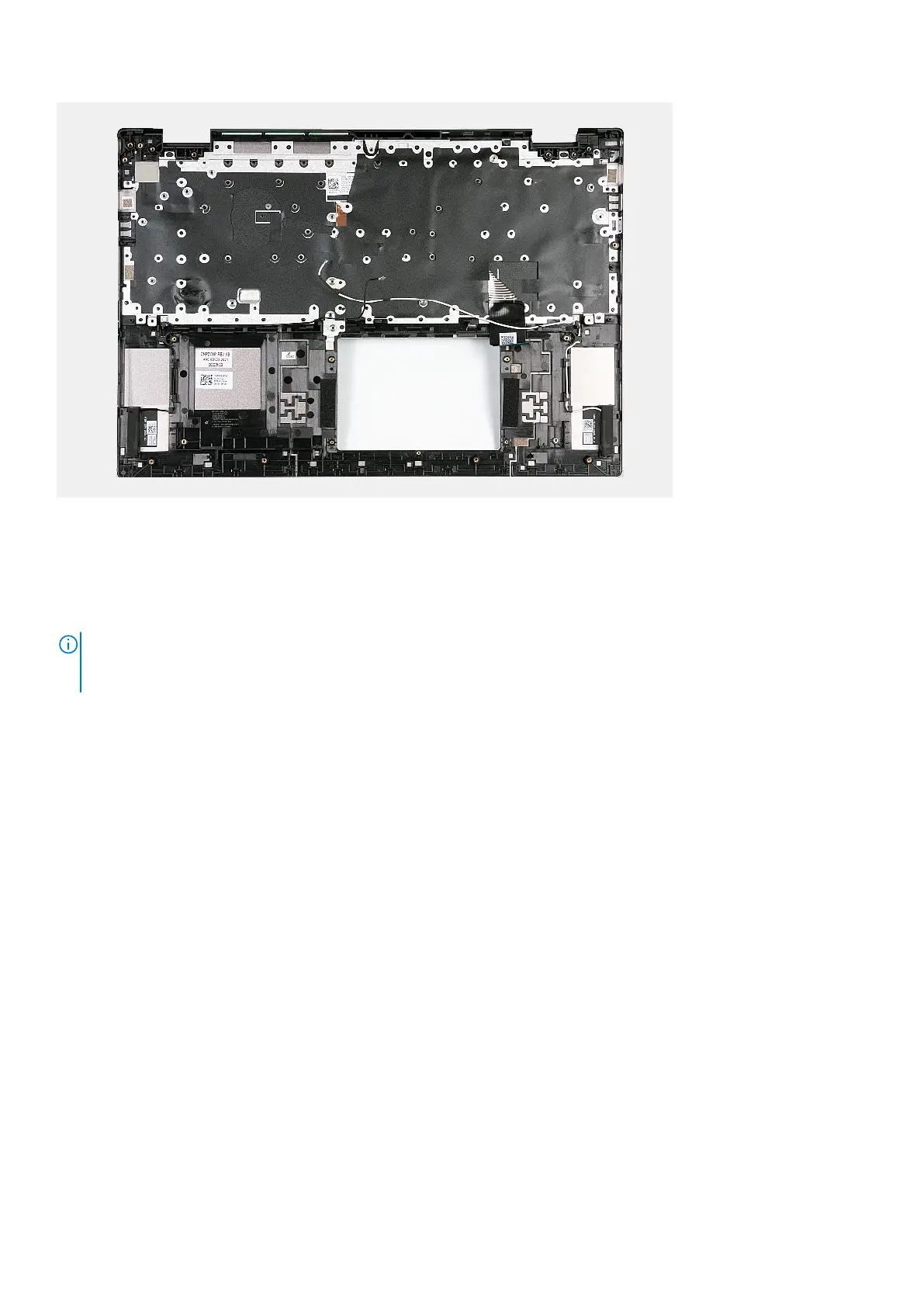
Steps
Place the palm-rest and keyboard assembly on a flat and clean surface and perform the post-requisites to install the palm-rest
and keyboard assembly.
Next steps
NOTE:
The system board can be removed and installed along with the heat sink, when you replace the palm-rest and
keyboard assembly. This simplifies the removal and installation procedure and also prevents damage to the thermal bond
between the system board and heat sink.
1. Install the touchpad.
2. Install the system board.
3. Install the tpm board.
4. Install the display assembly.
5. Install the power adapter port
6. Install the power button with optional fingerprint reader or power button, whichever applicable.
7. Install the I/O board.
8. Install the coin-cell battery.
9. Install the speakers.
10. Install the battery.
11. Install the M.2 2230 solid-state drive or M.2 2280 solid-state drive, whichever applicable.
12. Install the wireless card.
13. Install the fan.
14. Install the base cover.
15. Follow the procedure in After working inside your computer.
Removing and installing Field Replaceable Units (FRUs)
73



 To Next Page