18 | Applying Energy Conservation Features
Applying Energy Conservation Features
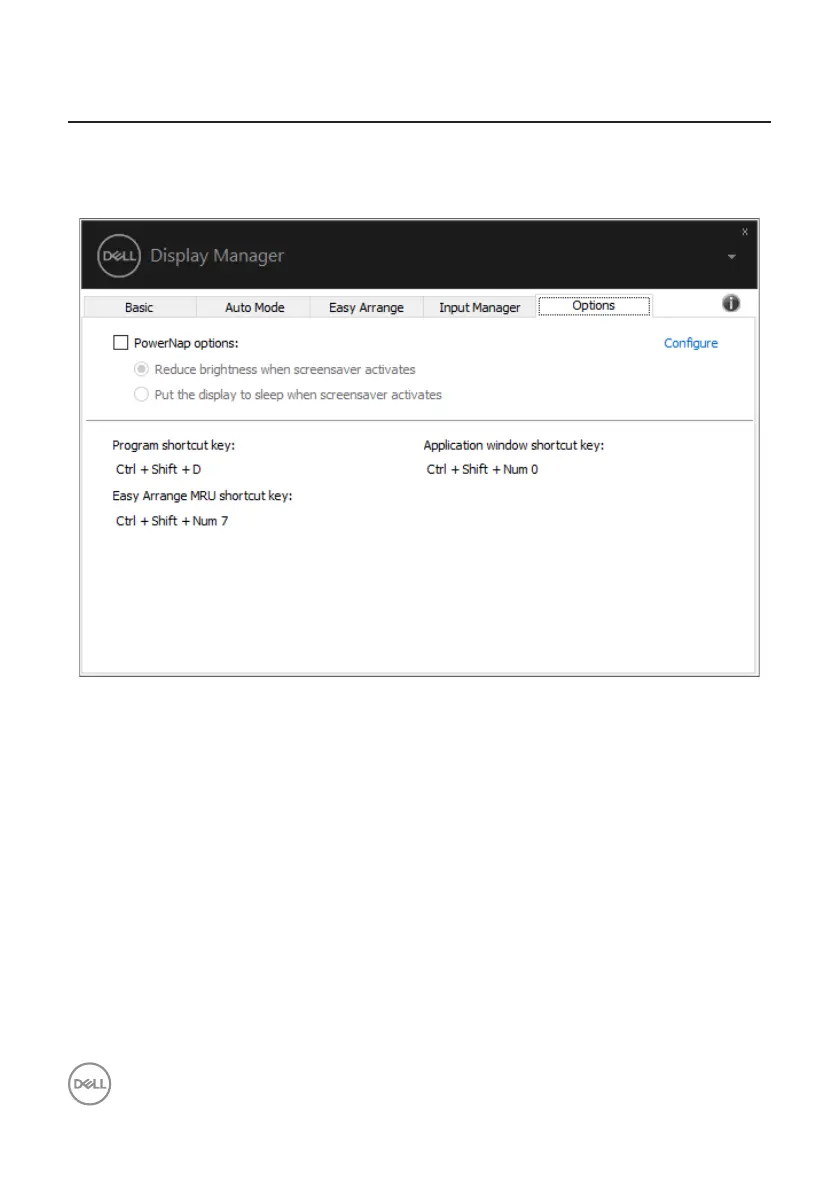
On supported Dell models, an Options tab is available that provides PowerNap
energy conservation options. You can choose to set the monitor’s brightness to the
minimum level, or to put the monitor to sleep when the screensaver is activated.
Dell P2720DC



 To Next Page