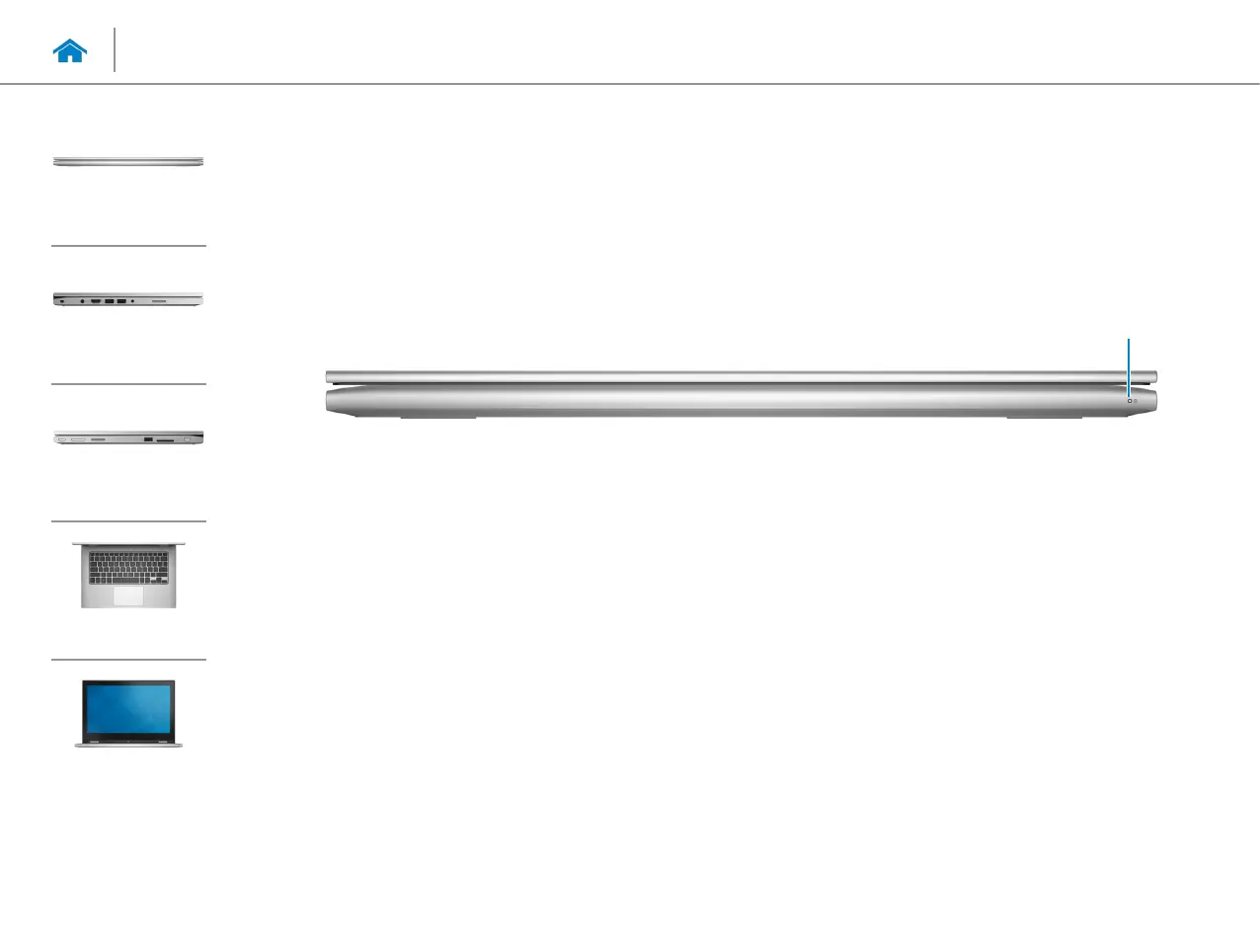
1 Power/Battery status light
Indicates the power state and battery state of the
computer.
Solid white light — Power adapter is connected to the
computer and the battery is being charged.
Solid yellow light — Battery charge is low or critical.
Off— Power adapter is connected to the computer
and battery is fully charged or power adapter is not
connected to the computer.
1
Views
Specifications
Front
Left
Right
Base
Display
Front



 To Next Page