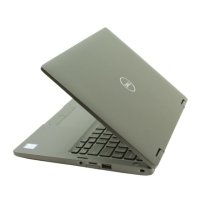
4. Press and hold D key and Power on the laptop to enter LCD built-in self test (BIST) mode. Continue to hold the D key, until
you see color bars on the LCD (screen).
5. The screen will display multiple color bars and change colors on the entire screen to red, green, and blue.
6. Carefully inspect the screen for abnormalities.
7. Press Esc key to exit.
NOTE: Dell SupportAssist Pre-boot diagnostics upon launch, initiates an LCD BIST first, expecting a user intervention
confirm functionality of the LCD.
74 Troubleshooting



 To Next Page