Monitor Specifications | 45
E
TEC
: Total energy consumption in KWh as defined in Energy Star 7.0 version.
This document is informational only and reflects laboratory performance. Your
product may perform differently, depending on the software, components and
peripherals you ordered and shall have no obligation to update such information.
Accordingly, the customer should not rely upon this information in making
decisions about electrical tolerances or otherwise. No warranty as to accuracy or
completeness is expressed or implied.
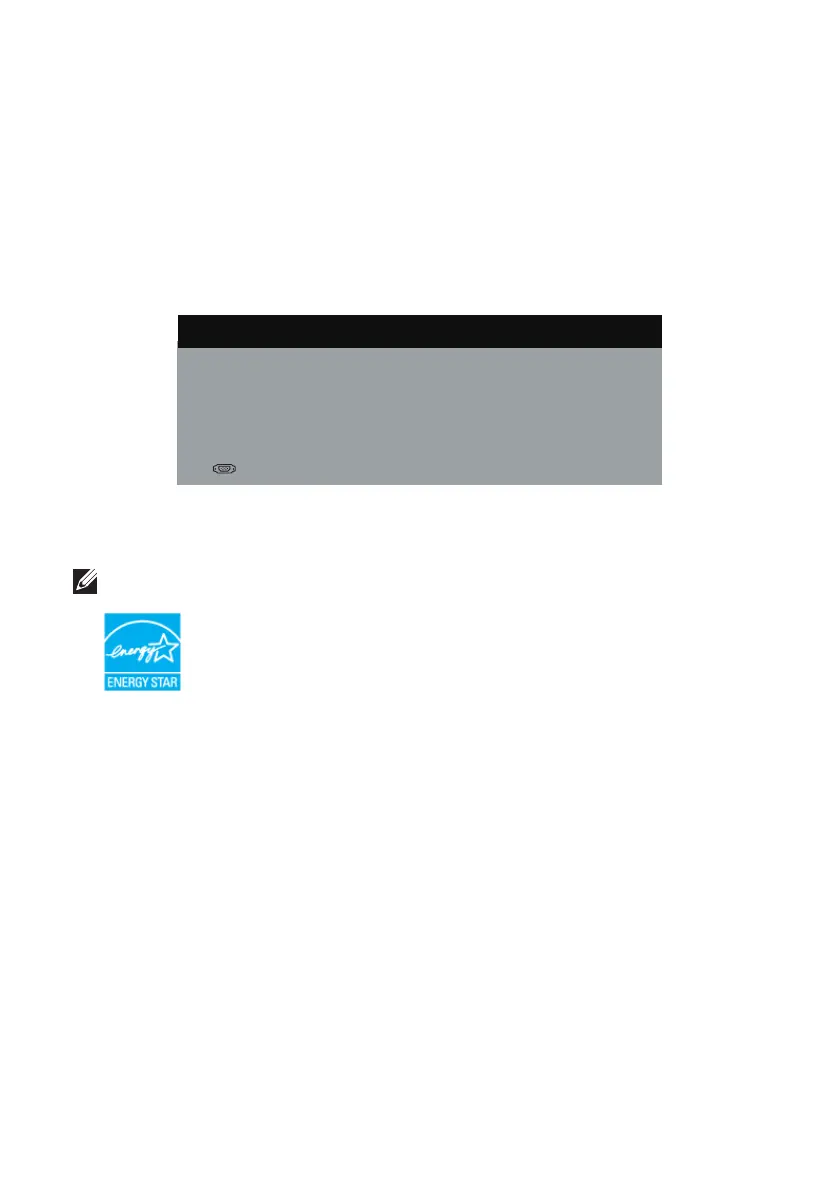
The OSD functions only in the normal operation mode. When any button is pressed
in the Active-off mode, one of the following messages will be displayed:
Dell S2X18M
There is no signal coming from your computer. Press any key on the
keyboard or move the mouse to wake it up. If there is no display, press
the monitor button now to select the correct input source on the
On-Screen-Display menu.
Activate the computer and the monitor to gain access to the OSD.
NOTE: This monitor is ENERGY STAR-compliant.



 To Next Page