8 | About Your Monitor
Identifying Parts and Controls
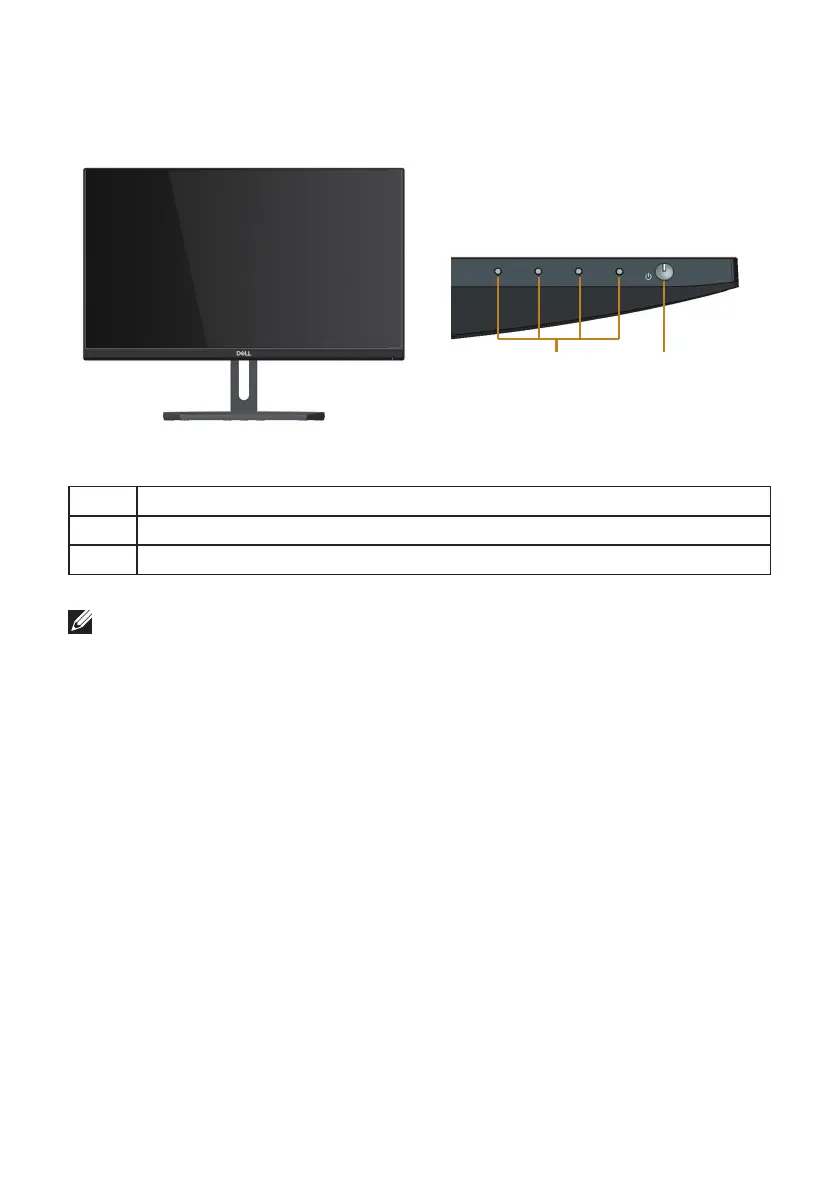
Front View
Front panel controls
1
2
Label Description
1 Function buttons (For more information, see Operating your Monitor)
2 Power On/Off button (with LED indicator)
NOTE: For displays with glossy bezels the user should consider the placement of
the display as the bezel may cause disturbing reflections from surrounding light
and bright surfaces.



 To Next Page