Monitor Specifications | 47
The OSD functions only in the normal operation mode. When any button is pressed
in the Active-off mode, the following message will be displayed:
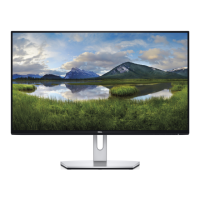
Dell S2318HN/NX
There is no signal coming from your computer. Press any key on the
keyboard or move the mouse to wake it up. If there is no display, press
the monitor button now to select the correct input source on the
On-Screen-Display menu.
Activate the computer and the monitor to gain access to the OSD.



 To Next Page