Setting up the monitor | 25
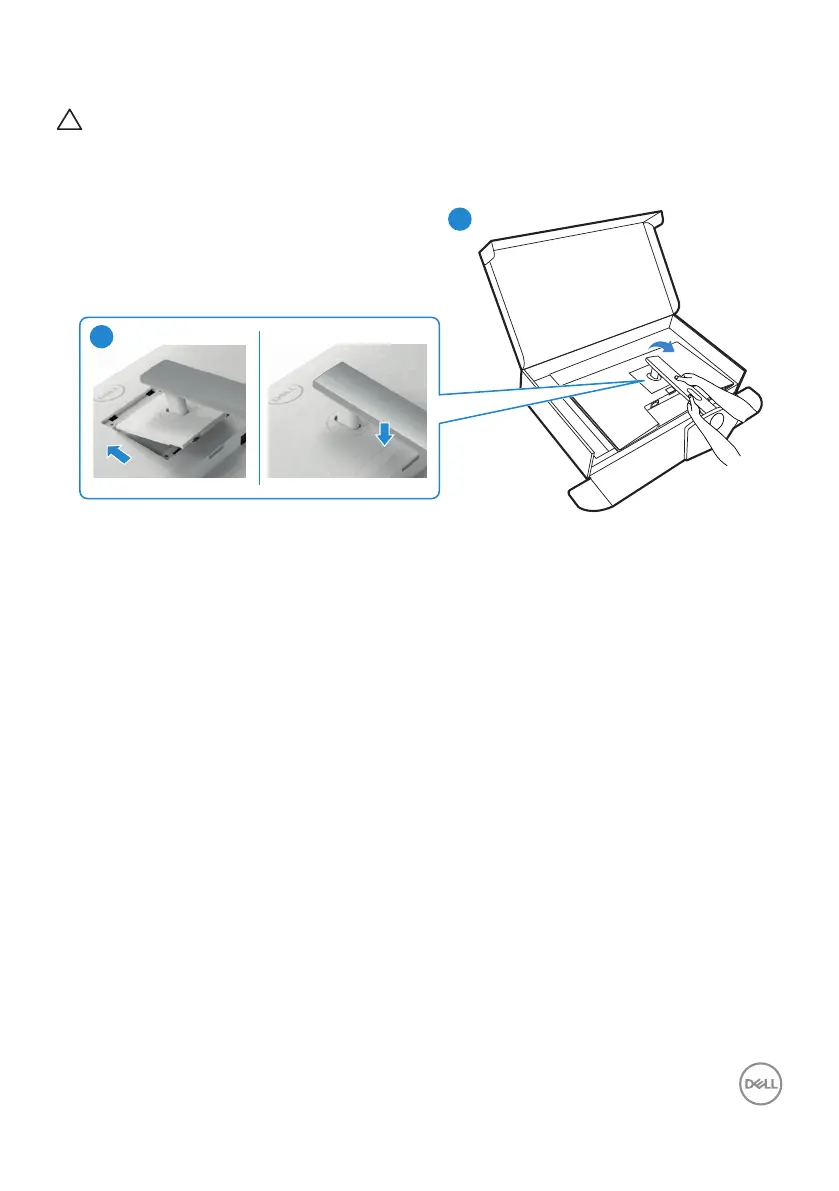
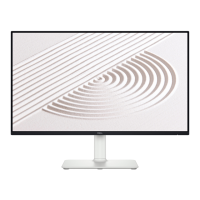
4. Slide the tabs on the stand riser into the slots on the display back cover and press
down the stand assembly to snap it into place.
CAUTION: Hold the stand riser firmly when lifting the monitor to avoid any
accidental damage.
5. Hold the stand riser and lift the monitor carefully, then place it on a flat surface.
4
4
5


 To Next Page