32 | Operating the monitor
Operating the monitor
Power on the monitor
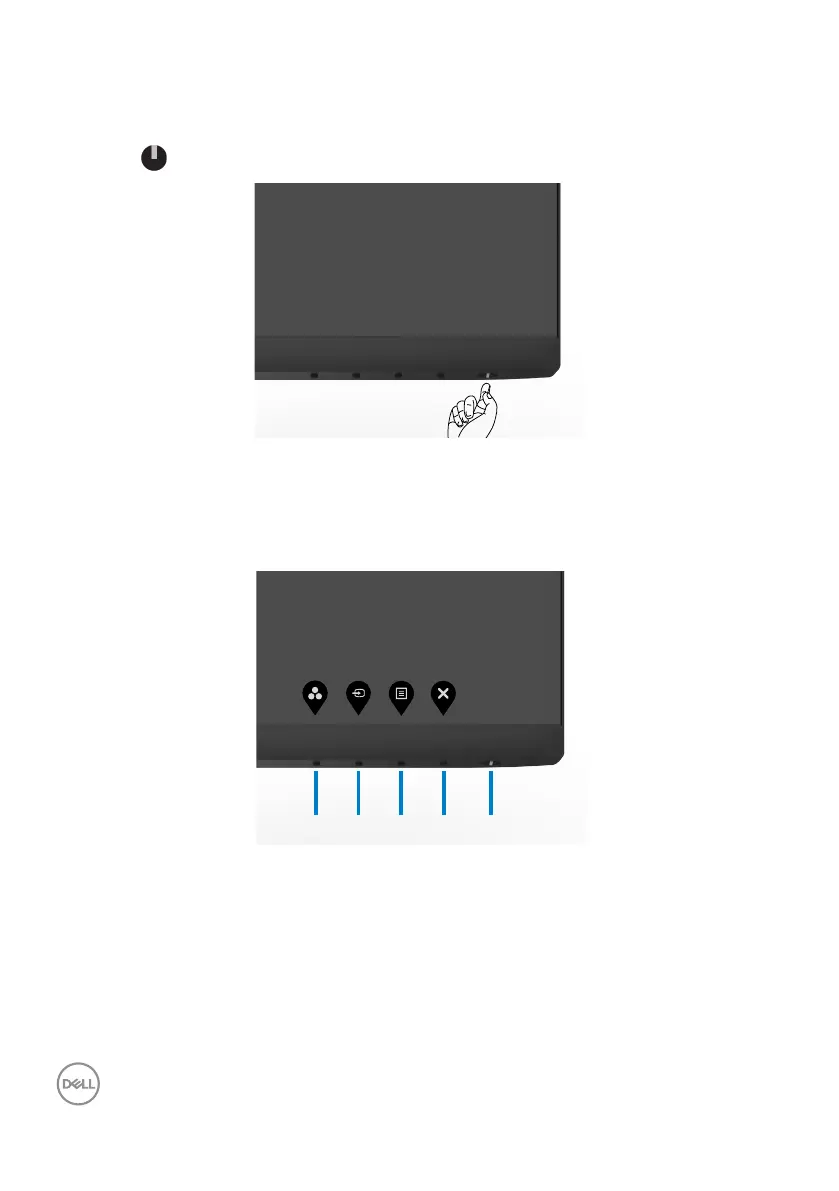
Press the button to turn on the monitor.
Using the front panel controls
Use the control buttons at the bottom edge of the monitor to adjust the specifications
of the image being displayed. When using the control buttons, an On-Screen Display
(OSD) menu appears on the screen with numeric values.



 To Next Page