46 | Operating the monitor
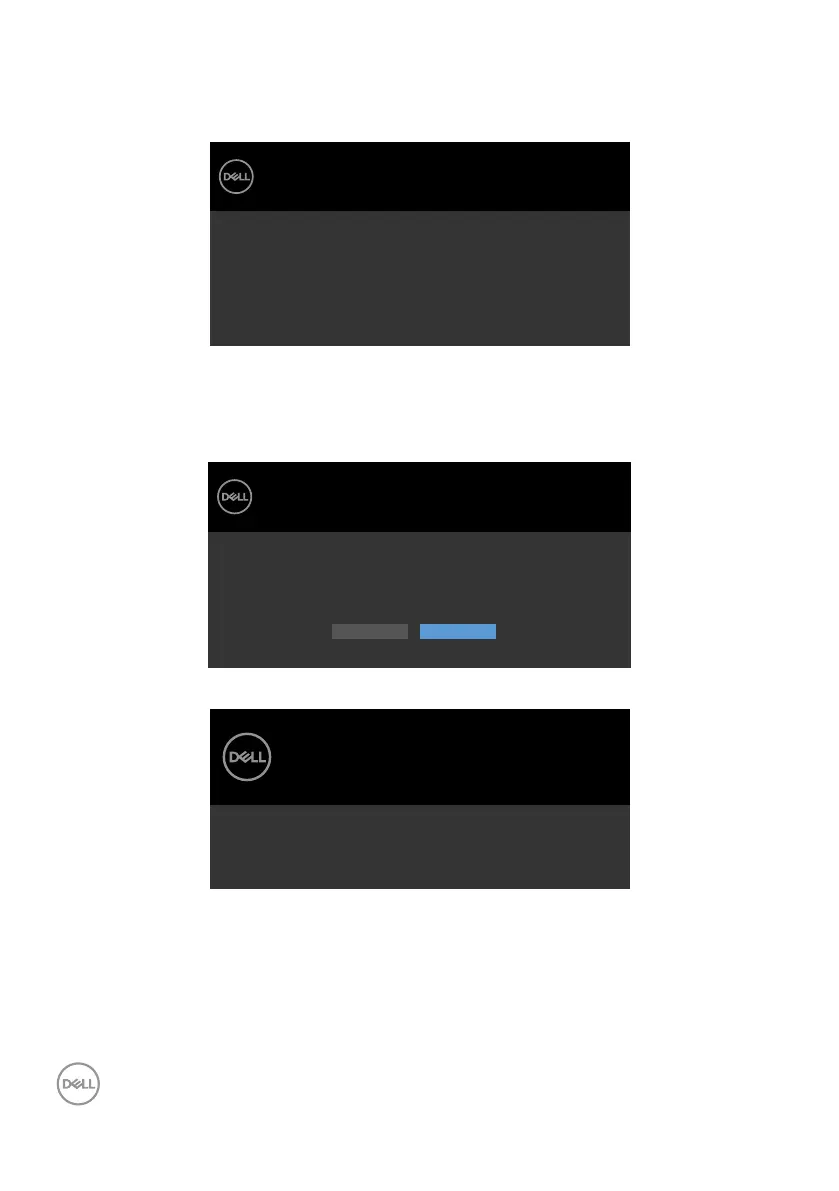
OSD warning messages
When the monitor does not support a particular resolution mode, you can see the
following message:
The current input timing is not supported by the monitor display. Please
change your input timing to
listed timing as per the monitor specifications.
1920x1080, 60Hz or any other monitor
S2421H/S2721H
Dell 24/27 Monitor
This means that the monitor cannot synchronize with the signal that it is receiving
from the computer. See Resolution Specifications for the Horizontal and Vertical
frequency ranges addressable by this monitor. Recommended mode is 1920 x 1080.
You can see the following message before the DDC/CI function is disabled:
Dell 24/27 Monitor
The function of adjusting display setting using PC application will be
disabled.
Do you wish to disable DDC/CI function?
Yes No
S2421H/S2721H
When the monitor enters the Standby mode, the following message appears:
Dell 24/27 Monitor
Going into Standby mode…
S2421H/S2721H
Activate the computer and wake up the monitor to gain access to the OSD.



 To Next Page