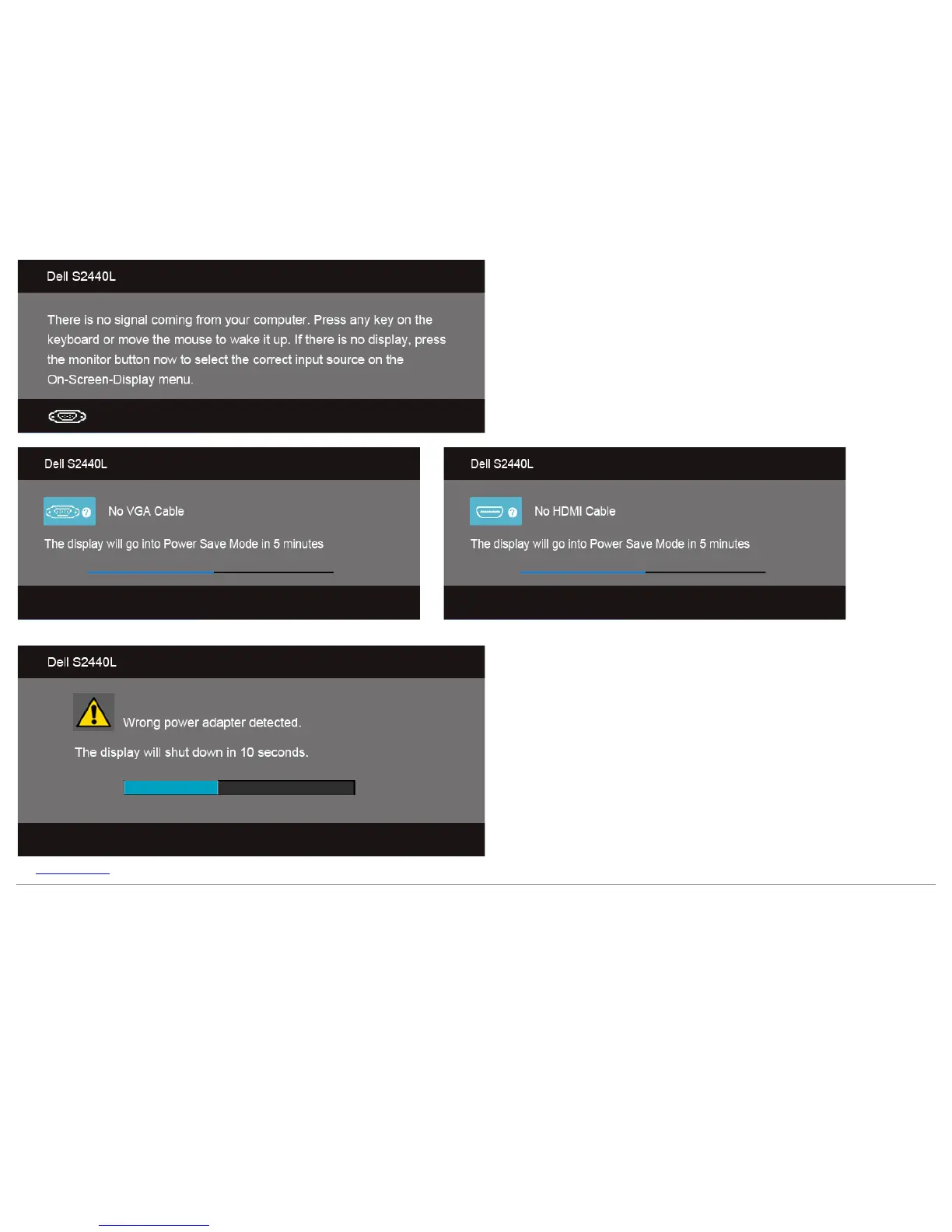
If either VGA, or HDMI input is selected and the corresponding cable is not connected, a floating dialog box as shown below appears.
or
It is recommended that you use the supplied power adapter. If not, you will see the message as shown below.
See Solving Problems for more information.
Setting the Maximum Resolution
To set the maximum resolution for the monitor:
Windows Vista
®
, Windows
®
7, Windows
®
8:



 To Next Page