Or
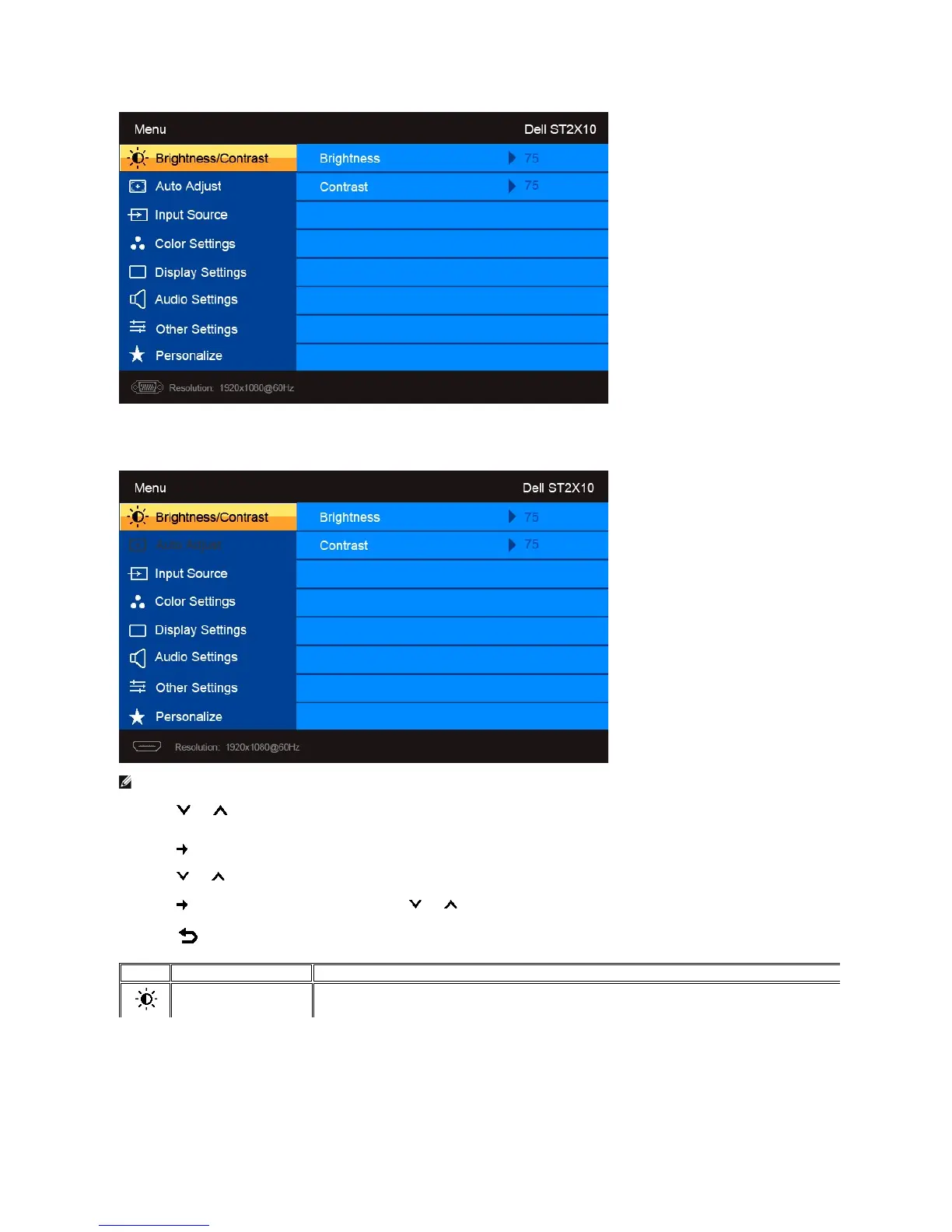
Main Menu for non Analog (non VGA) Input
NOTE: Auto Adjust is only available when you are using the analog (VGA) connector.
2.Pressthe and buttons to move between the setting options. As you move from one icon to another, the option name is highlighted. See the table
foracompletelistofalltheoptionsavailableforthemonitor.
3.Press the buttononcetoactivatethehighlightedoption.
4.Press the and buttons to select the desired parameter.
5. Press the buttontoentertheslidebarandthenusethe and buttons,accordingtotheindicatorsonthemenu,tomakeyourchanges.
6. Press the buttontoreturntothemainmenuorexittheOSDmenu.



 To Next Page