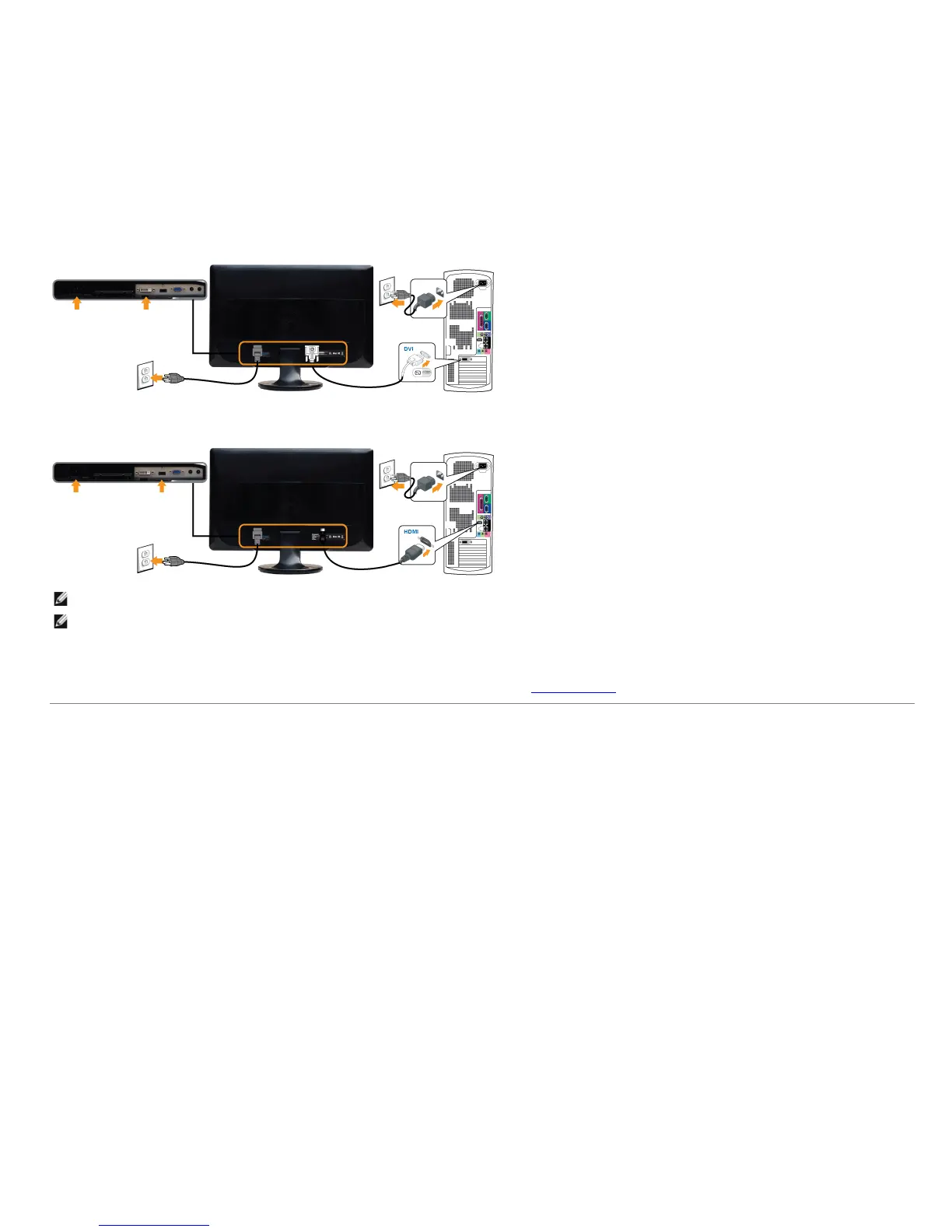
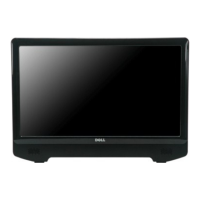
Connecting the HDMI Cable*
NOTE: *Optional purchase item. To purchase DVI or HDMI cable, please visit Dell.com
NOTE: The Graphics are used for the purpose of illustration only. Appearance of the the computer may vary.
After you have completed connecting the VGA/DVI/HDMI cable, follow the procedure below to complete your monitor setup:
1. Plug the power cables for your computer and monitor into a nearby outlet.
2. Turn on the monitor and the computer.
If your monitor displays an image, installation is complete. If it does not display an image, see Solving Problems
.
Attaching the Soundbar (Optional)


 To Next Page