■ On-Screen Display (OSD) adjustments for ease of set-up and screen optimization.
■ Software and documentation CD which includes an information file (INF), Image Color Matching File (ICM), and product documentation.
■ Security lock slot.
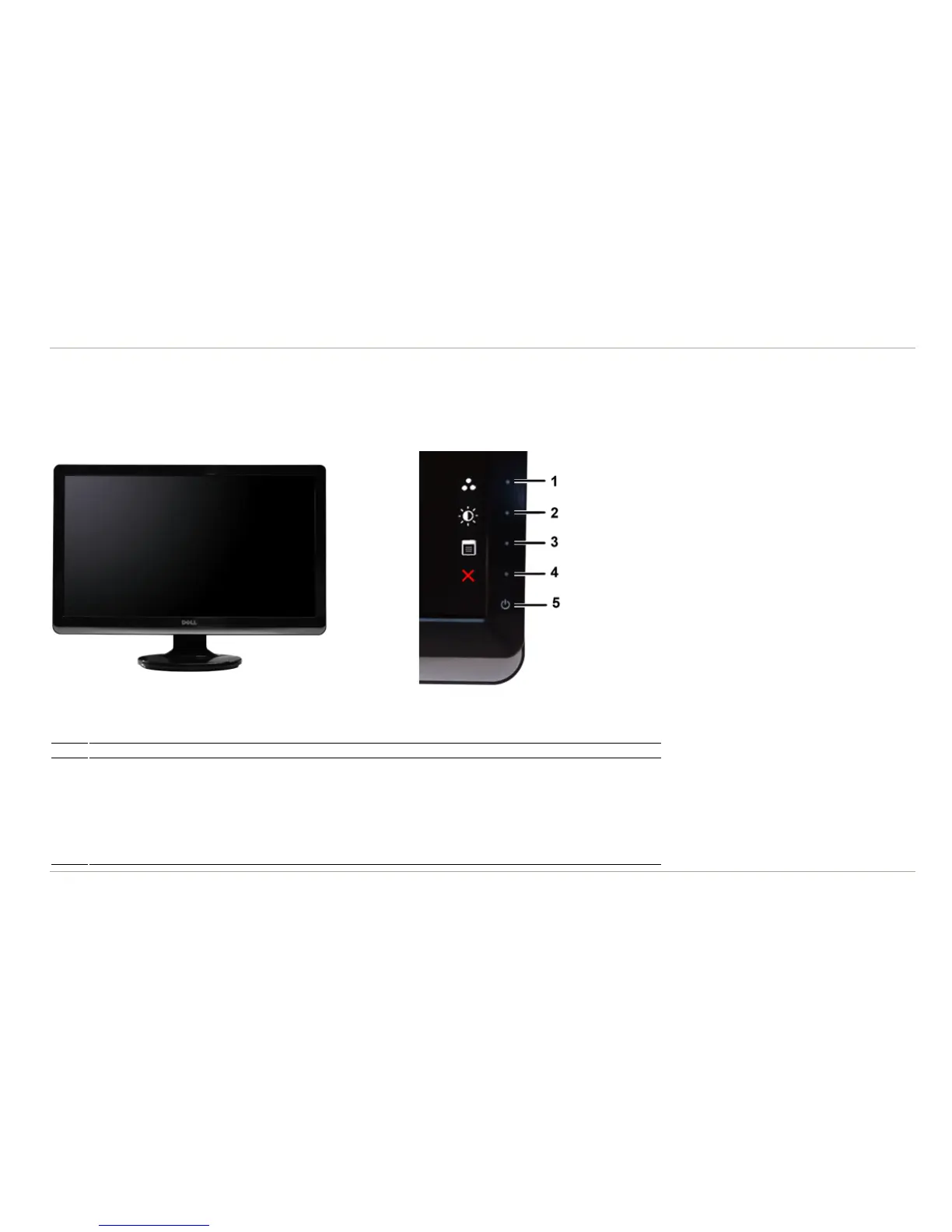
Identifying Parts and Controls
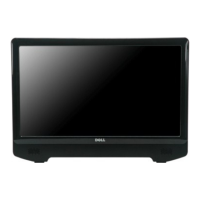
Front View
Front View Front Panel Controls
Label Description
1-2 Shortcut keys
*The default settings are Preset Modes and Brightness/Contrast.
1 Shortcut key: Preset Modes (Default)
2 Shortcut key: Brightness/Contrast (Default)
3 OSD menu select
4 EXIT
5 Power On/Off (light indicator below Dell logo)
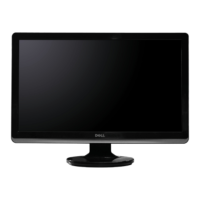
Back View


 To Next Page