EasyManua.ls Logo

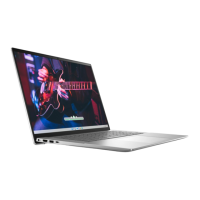
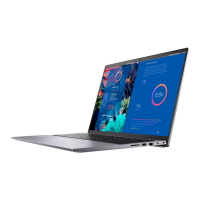
Dell Vostro 16 5635 - User Manual

Dell Vostro 16 5635
95 pages
Print Icon
To Next Page IconTo Next Page
Loading...
Vostro 16 5635
Owner's Manual
Regulatory Model: P117F
Regulatory Type: P117F008
February 2023
Rev. A00

Table of Contents

Questions and Answers

  • E
    ericgarciaAug 10, 2025
    What to do if my Dell Laptop battery is swollen?
    • K
      Kerry EricksonAug 10, 2025
      If your Dell Laptop battery is swollen, discontinue using the laptop. Discharge it by disconnecting the AC adapter and allowing the battery to drain completely. Swollen batteries should not be used and need to be replaced and disposed of correctly. You may also contact Dell product support to explore options for replacing the swollen battery under your warranty or service contract.
  • M
    Megan EdwardsAug 25, 2025
    What to do if Dell Laptop battery is swollen?
    • K
      Kenneth CunninghamAug 25, 2025
      If you observe that the lithium-ion battery in your Dell laptop is swollen, immediately discontinue using the laptop. Then, discharge the battery by disconnecting the AC adapter and allowing the battery to fully drain. It is important to replace and properly dispose of swollen batteries, as they should not be used. It is recommended to contact Dell product support to discuss replacement options under your warranty or service contract, including the possibility of replacement by a Dell authorized service technician.

Dell Vostro 16 5635 Specifications

General IconGeneral
BrandDell
ModelVostro 16 5635
CategoryLaptop
LanguageEnglish

Related product manuals