16 System Information Guide
www.dell.com | support.euro.dell.com
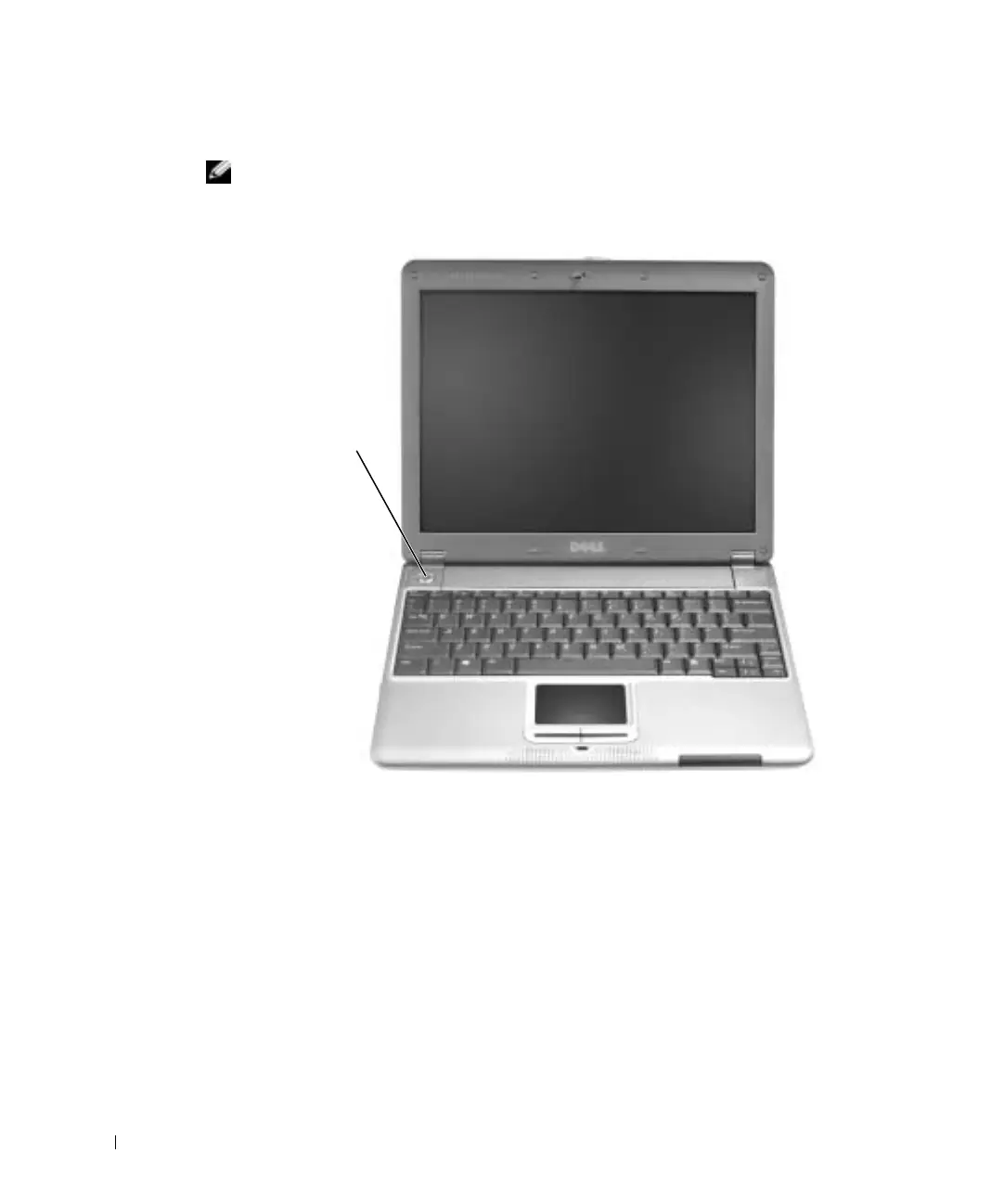
4 Open the computer display and press the power button to turn on the computer.
NOTE: Do not connect the computer to the X300 Media Base until the computer has been
turned on and shut down at least once.
power button
T1124bk0.book Page 16 Monday, June 16, 2003 6:49 PM


 To Next Page