Features │ 7
6
5
2
1
3
4
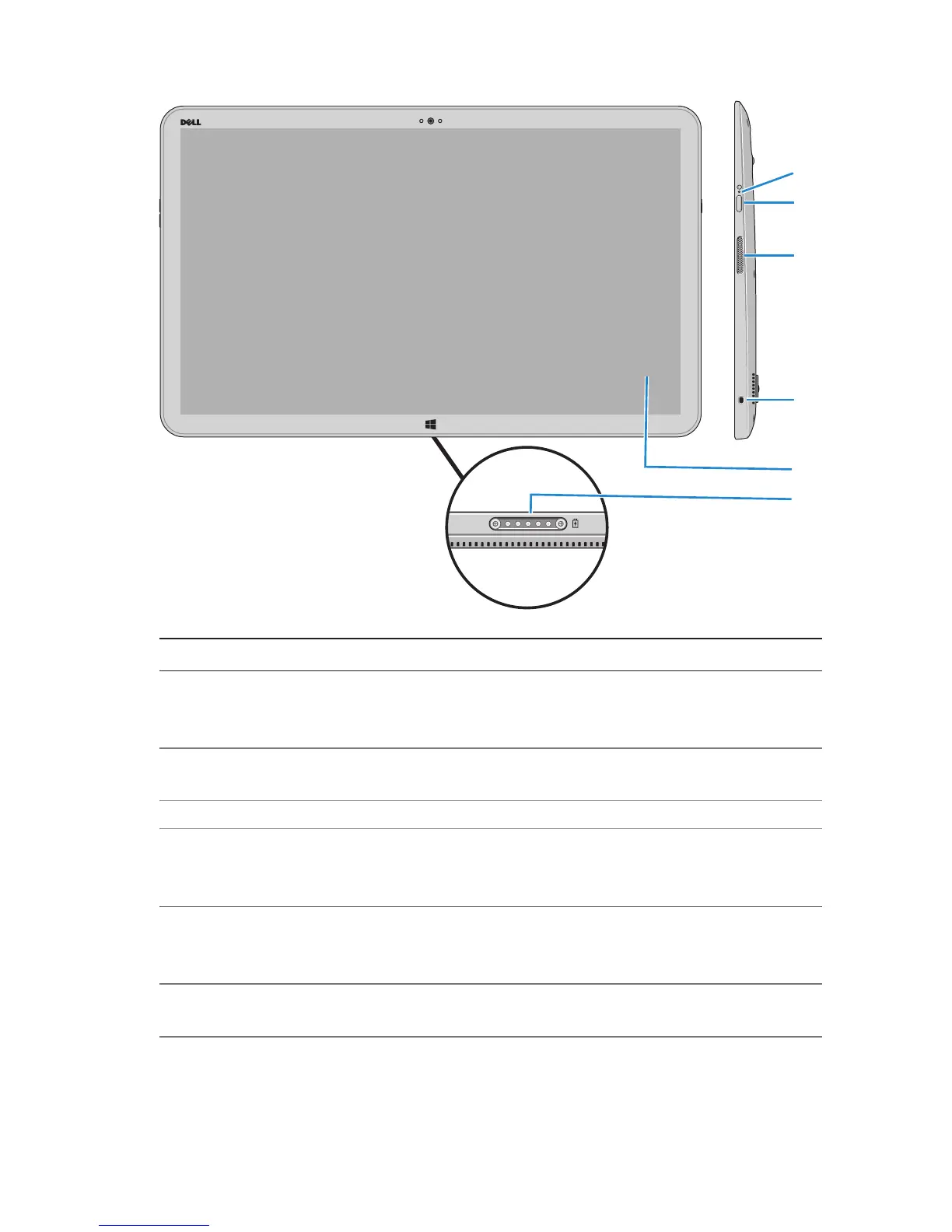
Feature Functionality
1 Power/Battery-status
light
Indicates the power/battery-charge status.
(For more information, see “Battery-status
light:”).
2 Power button Turn on your computer or change the
power state of your computer.
3 Right speaker Provides audio output.
4 Security-cable slot Connect a security cable to prevent
unauthorized movement of your
computer.
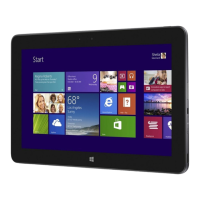
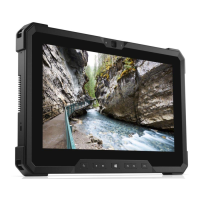
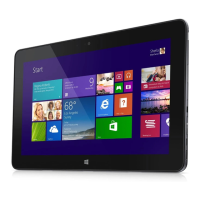
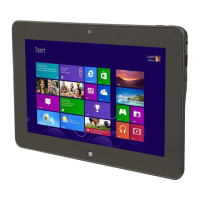
5 Touchscreen display Touch the display to use on-screen
controls including buttons, menu items,
and the on-screen keyboard
6 Docking port Connect to a Dell Powered-Stand
(sold separately).


 To Next Page