18
Instruction Manual
Operation Instructions
Turn ON Timer
Shut OFF Timer
1. Make sure the air conditioner is OFF.
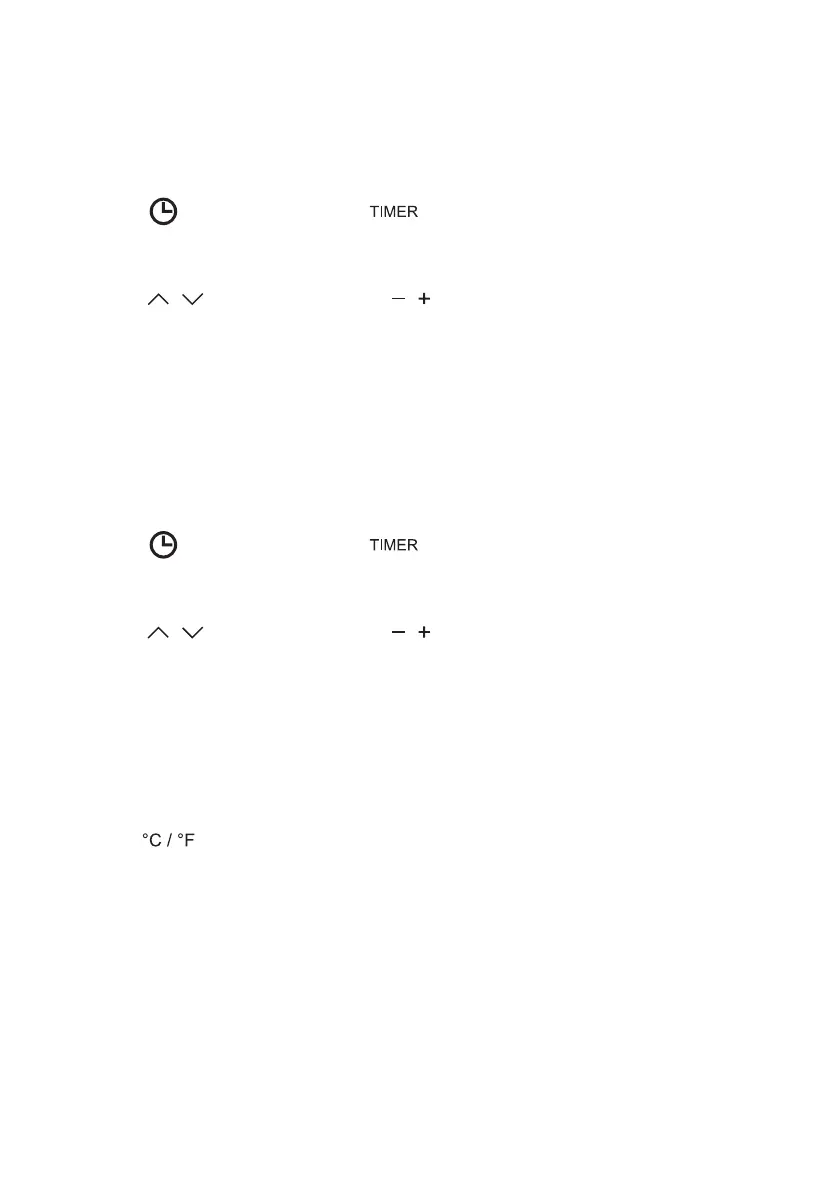
2. Press on the control panel or on the remote control to begin setting turn on
timer.
3. Press on the control panel or on the remote control to set the desired time.
4. Leave the setting for 5 seconds, the air conditioner will start the timer automatically.
5. Set the timer to 00 or manually turn ON the unit to cancel the timer setting.
1. Make sure the air conditioner is ON.
2. Press on the control panel or on the remote control to begin setting shut off
timer.
3. Press on the control panel or on the remote control to set the desired time.
4. Leave the setting for 5 seconds, the air conditioner will start the timer automatically.
5. Set the timer to 00 or manually turn OFF the unit to cancel the timer setting.
Changing Temperature Unit
1. Press on the remote control to change temperature unit between degree Celsius and
degree Fahrenheit.




 To Next Page