BEFORE YOU BEGIN
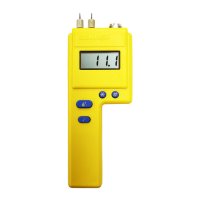
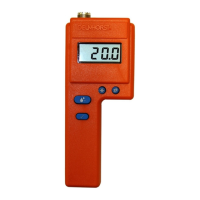
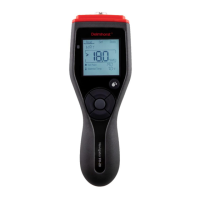
Key Functions
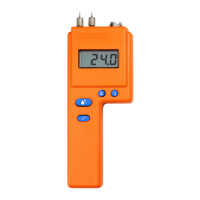
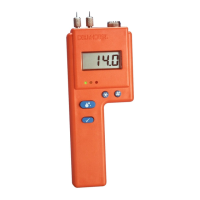
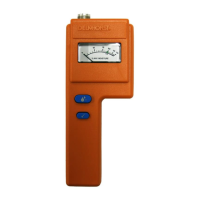
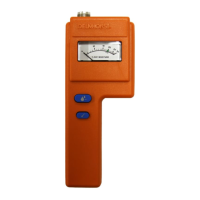
! READ KEY - Press to read the %MC.
@ CALIBRATION CHECK KEY - This key,
(when pressed with the read key) checks the
meter calibration. It also displays the number
of readings in memory (up to 100), the aver-
age, and the highest stored reading. It also
clears the memory.
# SPECIES KEY - Press to select the species
code for the wood you are testing. Species are
numbered from 1 to 48 and are listed on the
Species Code Chart on page 5. To scroll for-
ward through the species codes keep the
species key pressed. To scroll backward press
the species key, release it and immediately
press the temperature key.
$ TEMPERATURE KEY - Press to set the wood
temperature. Press and immediately press the
Calibration Check the temperature key
@ to
toggle between (F and C). To increase the tem-
perature setting keep the temperature key
pressed. To decrease the temperature, press
the temperature key, release it and immediate-
ly press the species key.
CHECK CALIBRATION
Press the calibration check key @ and read key ! simul-
taneously. Meter is in calibration if it displays 12%
(+ or - 0.2).
If you check the calibration and the meter does not display
12% it is likely an indication of a low battery. If this occurs,
replace the battery immediately with a new EverReady or
Duracell brand 9V. Continued use with a low battery may
cause the meter to go out of calibration. If you have a fresh
battery and the instrument still does not indicate a proper
calibration, return it to DELMHORST for service. See
Service for your Meter section.
3


 To Next Page
 Loading...