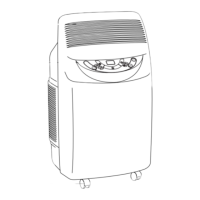
REMOTE CONTROL
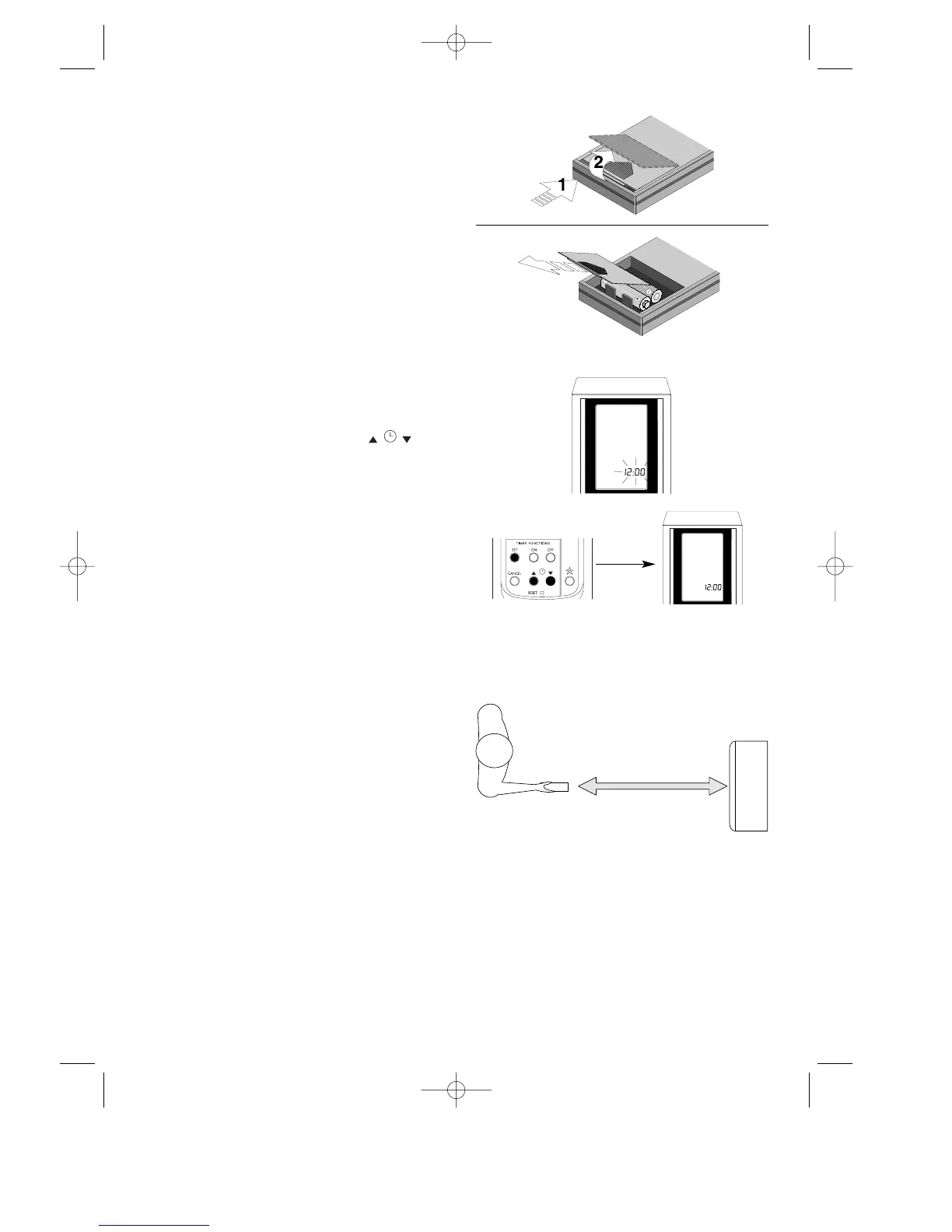
Inserting the batteries
• Push down and forward on the case’s pebbled
cover. The cover will lift up automatically.
• Insert two new non-rechargeable batteries,
being careful to place them in the correct posi-
tions (+) and (-).
• Put the cover back on, letting it slide into its
original position.
At this point, the clock on the display terminal will
read 12:00 and blinking will begin.
WE STRONGLY RECOMMEND THE USE ONLY
OF ALKALINE BATTERIES.
SETTING THE CLOCK
• If the time is not set within two minutes of the
reset or of battery replacement, the remote
control will automatically read 12:00.
•To programme the hour, push the keys
to move ahead or back. The segments are of
one minute.
If you hold the buttons down, the minute des-
ignations will run more quickly.
• The clock will continue to blink. Push the SET
button to confirm the time set: the clock will
then stop blinking.
• If you have to adjust the time, you must push
the RESET button and then enter the correct
time. (There is no other way to do this).
PROPER USE
• Point the remote control toward the air-condi-
tioner’s signal receiver.
• Maximum distance: about seven (7) metres
(without any obstacle between remote control
and receiver).
• The remote control must be handled with
great care: do not drop it, expose it to direct
sunlight, or leave it close to heat sources.
25
7 m max



 To Next Page