9
GB
Operation
TURNING THE APPLIANCE ON
Plug into the outlet and check the black cap is fully inserted.
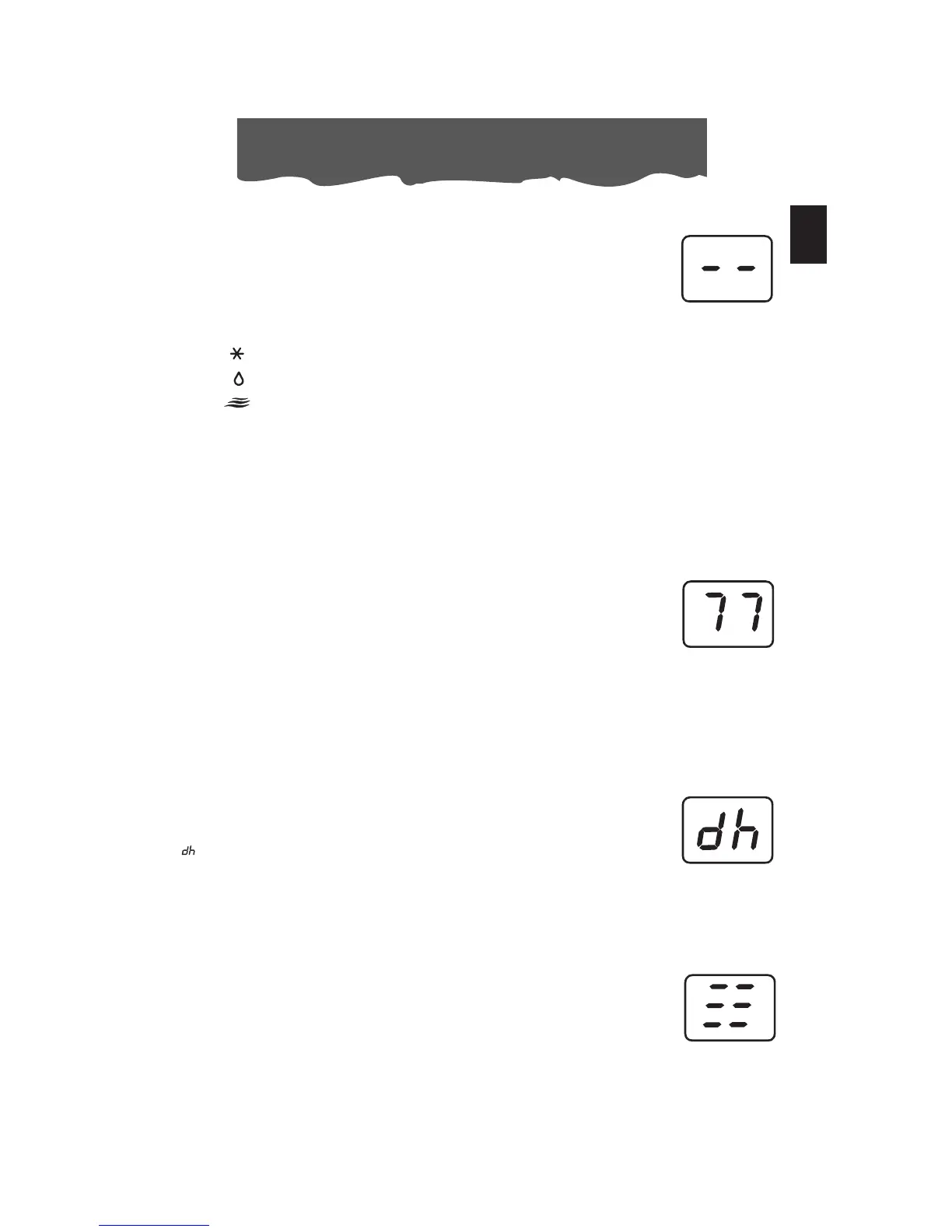
Two lines appear on the display indicating that the appliance is in
stand-by.
Press the ON/STAND-BY button (A). When turned on, the air conditioner
starts operating in the same mode as when it was turned off.
Press the MODE button (B) until the light corresponding to the desired
mode lights up:
Light (Q): AIR-CONDITIONING MODE
Light (P): DEHUMIDIFYING MODE
Light (O): FAN MODE
AIR CONDITIONING MODE
Ideal for hot muggy weather when you need to cool and dehumidify
the room. To set this mode: press the + (E) or - (F) buttons until the desi-
red temperature is displayed.
Then select the fan speed by pressing the “FAN” button (C) until the
light corresponding to the required fan speed lights up:
HIGH: MAXIMUM SPEED to achieve the target temperature as rapidly
as possible
MED: MEDIUM SPEED reduces noise levels while maintaining a comfor-
table temperature
LOW: LOW SPEED for silent operation and maximum energy efficiency
AUTO: AUTO: the appliance automatically selects the most suitable
fan speed in relation to the temperature set on the digital
display and current room temperature.
The most suitable temperature for the room during the summer varies
from 75°F to 81°F (24 to 27°C). You are recommended, however, not to
set a temperature much below the outdoor temperature
DEHUMIDIFYING MODE
Ideal to reduce room humidity (spring and autumn, damp rooms, rainy
periods, etc). In dehumidifying mode, the appliance MUST be set-up in
the same way as for air conditioning, with the air exhaust hose atta-
ched to enable the moisture to be discharged outside.
When the dehumidifying mode is selected, the light (P) comes on and
“ ” appears on the display.
At the same time, the AUTO fan light (N) comes on.
In this mode, fan speed is selected automatically by the appliance and
cannot be set manually.
FAN MODE
The unit operates without cooling or dehumidifying. This mode provides
ventilation only. When using the appliance in this mode, the air exhaust
hose does not need to be connected. Adjust fan speed by pressing the
“FAN” button (C) as described for the air-conditioning mode.
In this mode, AUTO speed cannot be selected.
The fan speed selected will be displayed.




 To Next Page