Listening to XM
11
Listening to XM
Selecting channels
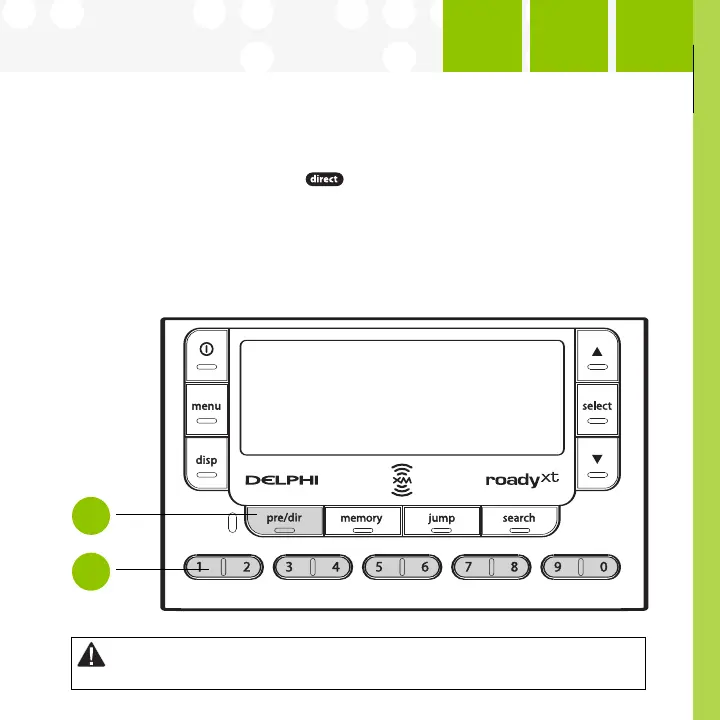
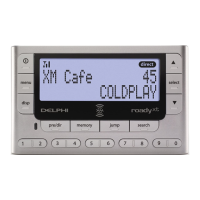
Select a channel directly by entering its channel number. Press the
“pre/dir” button (step 1) until appears on the screen. Then press the
number buttons (step 2) corresponding to the channel. Channel 12 can be
entered as “1,” then by “2,” or as “0,” “1,” and “2.”
Or press the up and down arrows to quickly step through each channel.
When you find one you like, press the “select” button.
Warning: When using this product it is always important to keep your eyes on the road and your hands on the
wheel. Not doing so could r
esult in injur
y and/or death to yourself or to others and/or in property damage.
Step
1
Step
2



 To Next Page