Chapter 3 Creating and Editing Programs|DOP-EXIO Series
3-14
Revision March, 2008, Doc. Name: 2007PDD23000014
Method 2: Select the block that the user wants to delete and click the icon on
the toolbar.
Method 3: Select the block that the user wants to delete and right click the mouse to
select the “Delete” command in the pop-up menu.
Method 4: Select the block that the user wants to delete and press the Delete key
on the keyboard.
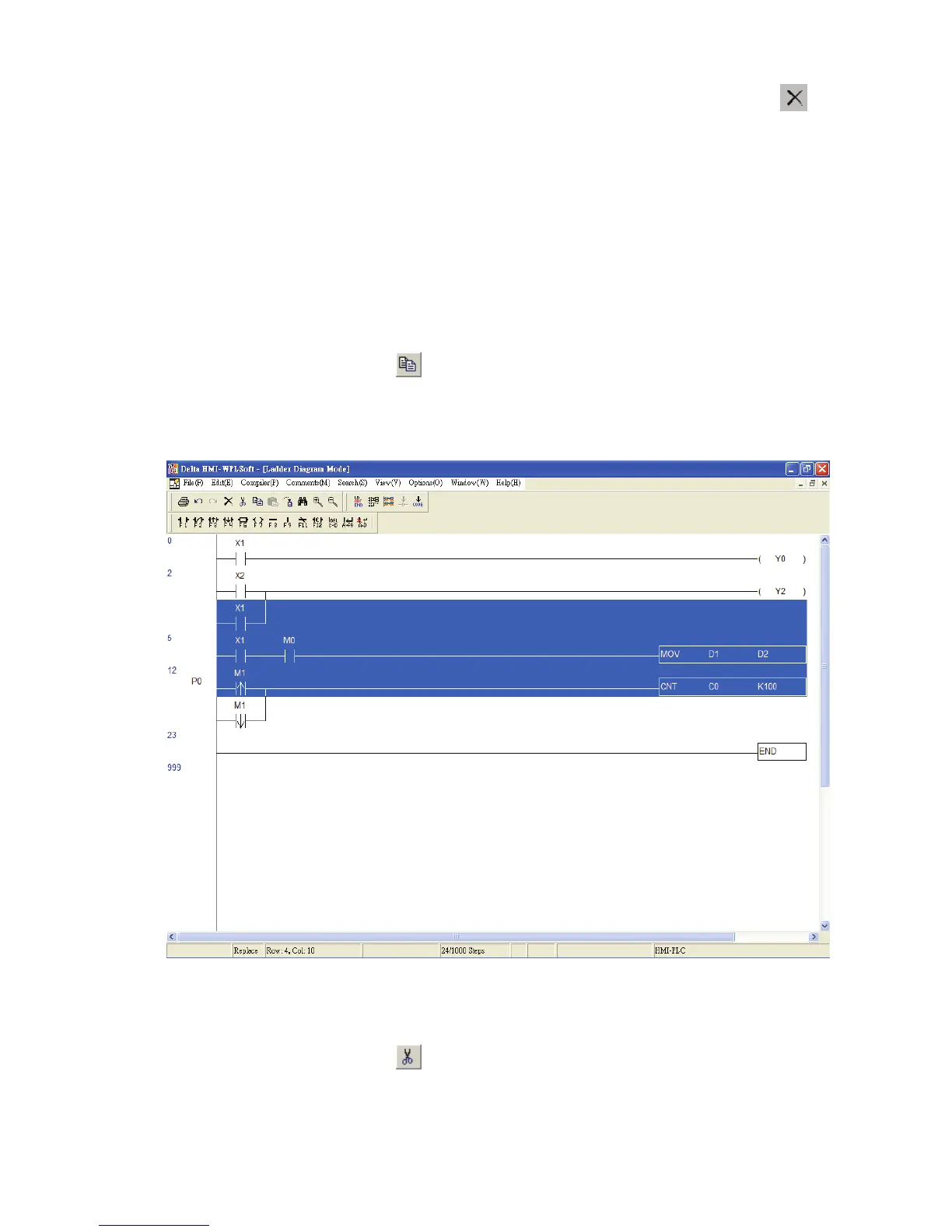
Copy Block Ö Copy the selected block.
Method 1: Click “Edit(E)” > “Copy(C)”.
Method 2: Click the icon on the toolbar.
Method 3: Use keyboard shortcuts by pressing keys (Ctrl) + (C).
Method 4: Right click the mouse to select the “Copy” command in the pop-up menu.
Cut Block Ö Cut the selected block.
Method 1: Click “Edit(E)” > “Cut(T)”.
Method 2: Click the icon on the toolbar.
Method 3: Use keyboard shortcuts by pressing keys (Ctrl) + (X).
Method 4: Right click the mouse to select the “Cut” command in the pop-up menu.



 To Next Page