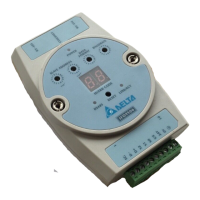
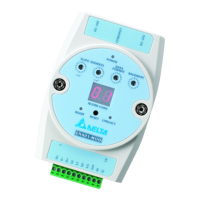
Ethernet Communication Module IFD9507
DVP-PLC Application Manual
22
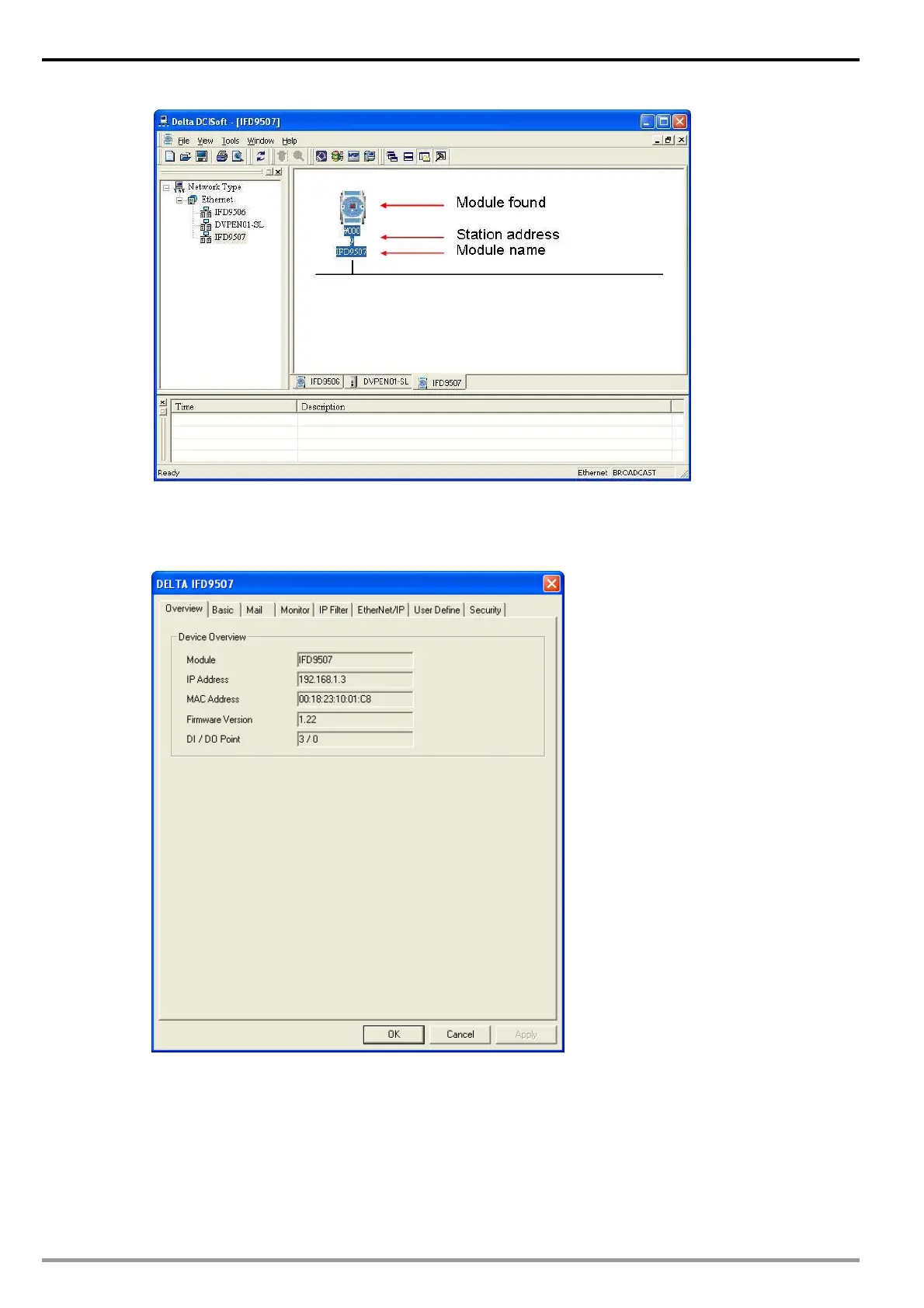
3. Double-click on the module to be set up to enter the setup page. The first page overviews the basic
status of the module.
4. The next page is for basic network setup. Consult your ISP for relevant network settings. For other
settings, see BR4~BR6 and BR11~BR13.


 To Next Page